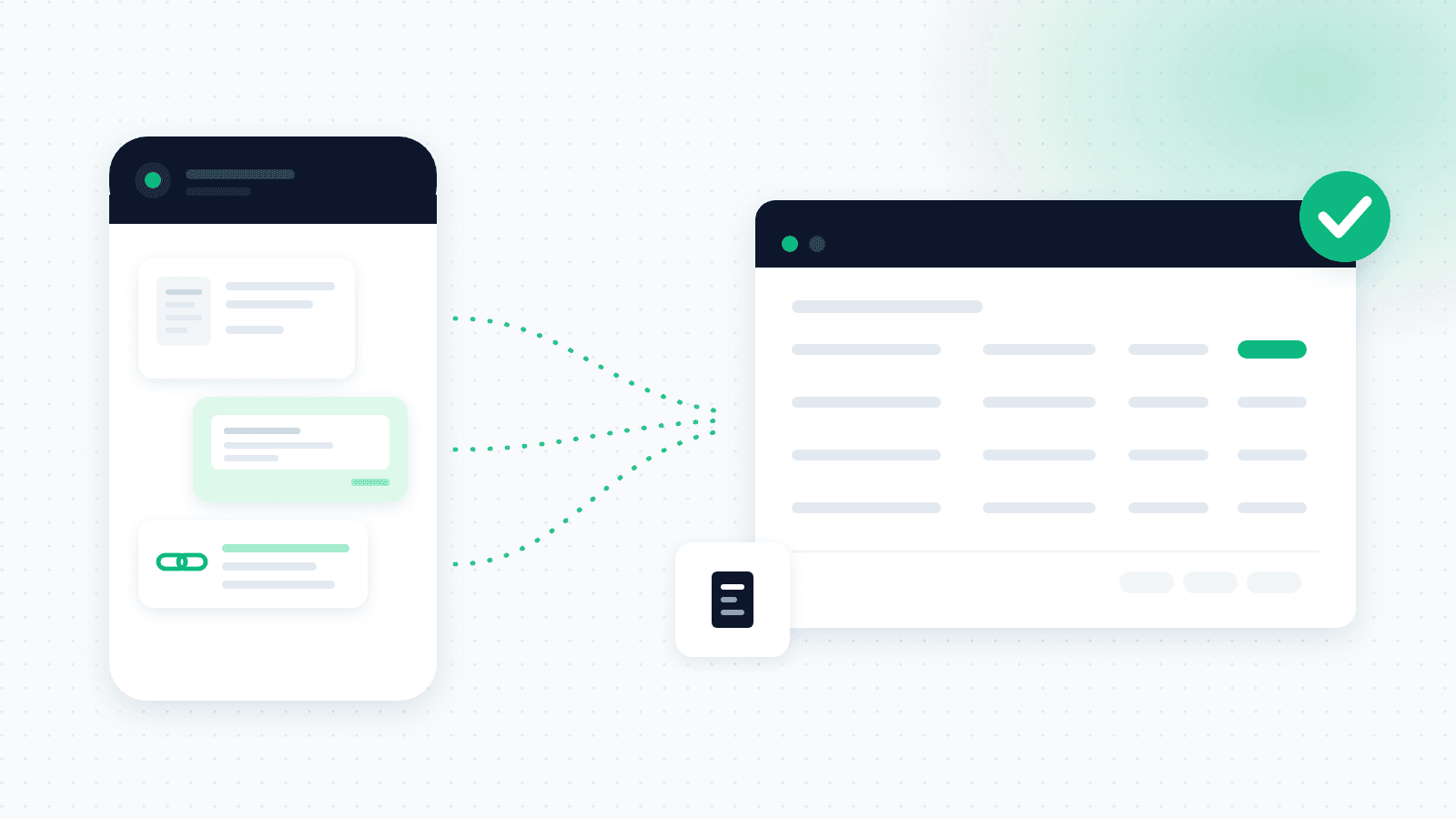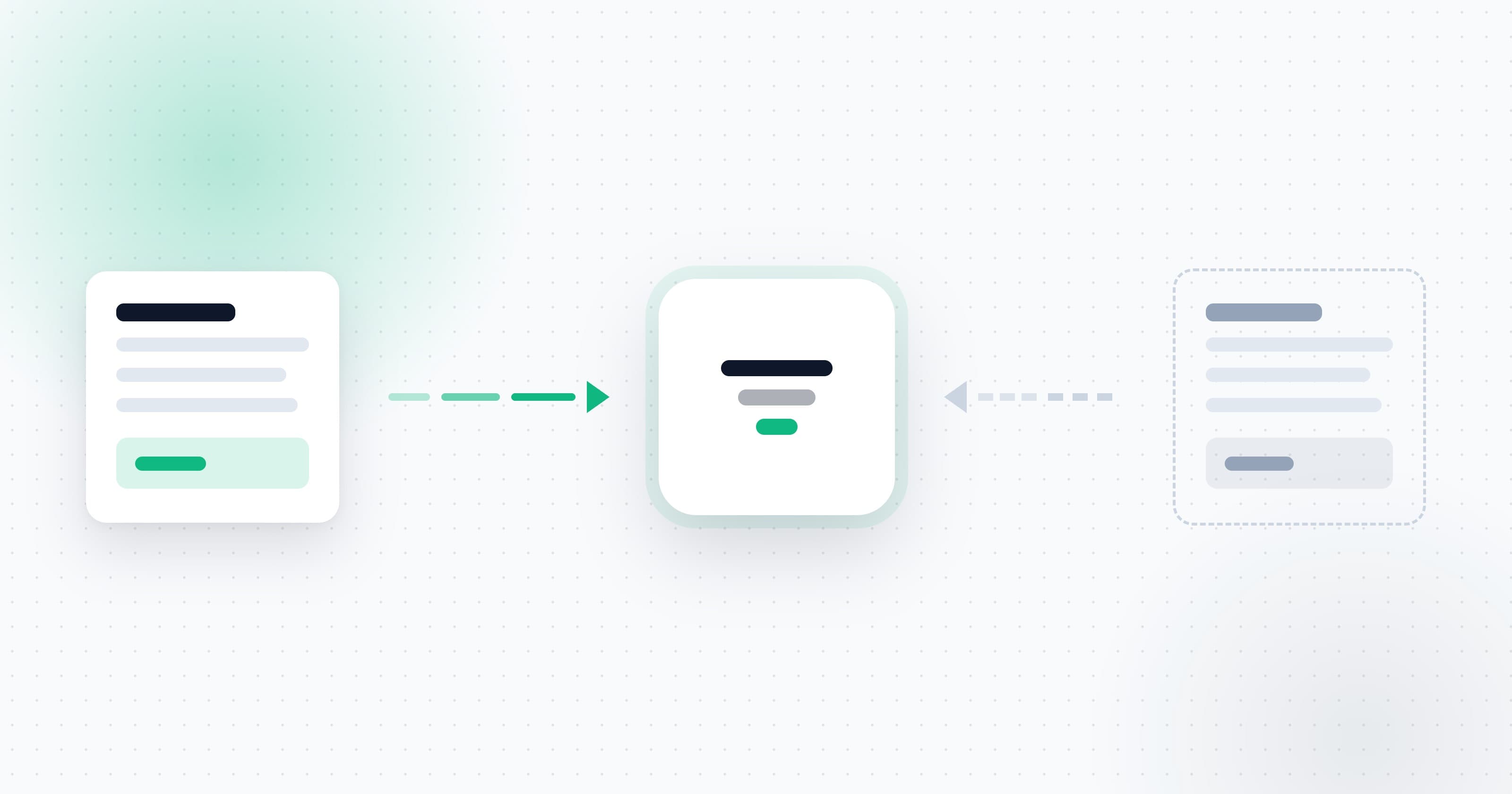
Most small business owners do not hate managing expenses. They hate the hunt. The invoice that landed in your inbox two weeks ago, the photo a supplier sent over WhatsApp, the invoice stuck somewhere between two apps. By month's end it all becomes one big pile, and your accountant is already waiting.
The fix is not to work harder at sorting. It is to stop sorting by hand at all.
The real problem: invoices live in ten places
A supplier invoice arrives by email. A one-off payment gets logged in WhatsApp. A fuel invoice is snapped on your phone and stays there. None of these sources talk to each other, so someone has to gather everything by hand, once a month, from memory.
That is exactly where expenses slip through the cracks. Not because you are careless, but because the information is scattered across places that were never built to talk to one another.
If you have not built a steady collection method yet, our guide on business expense management covers how to start.
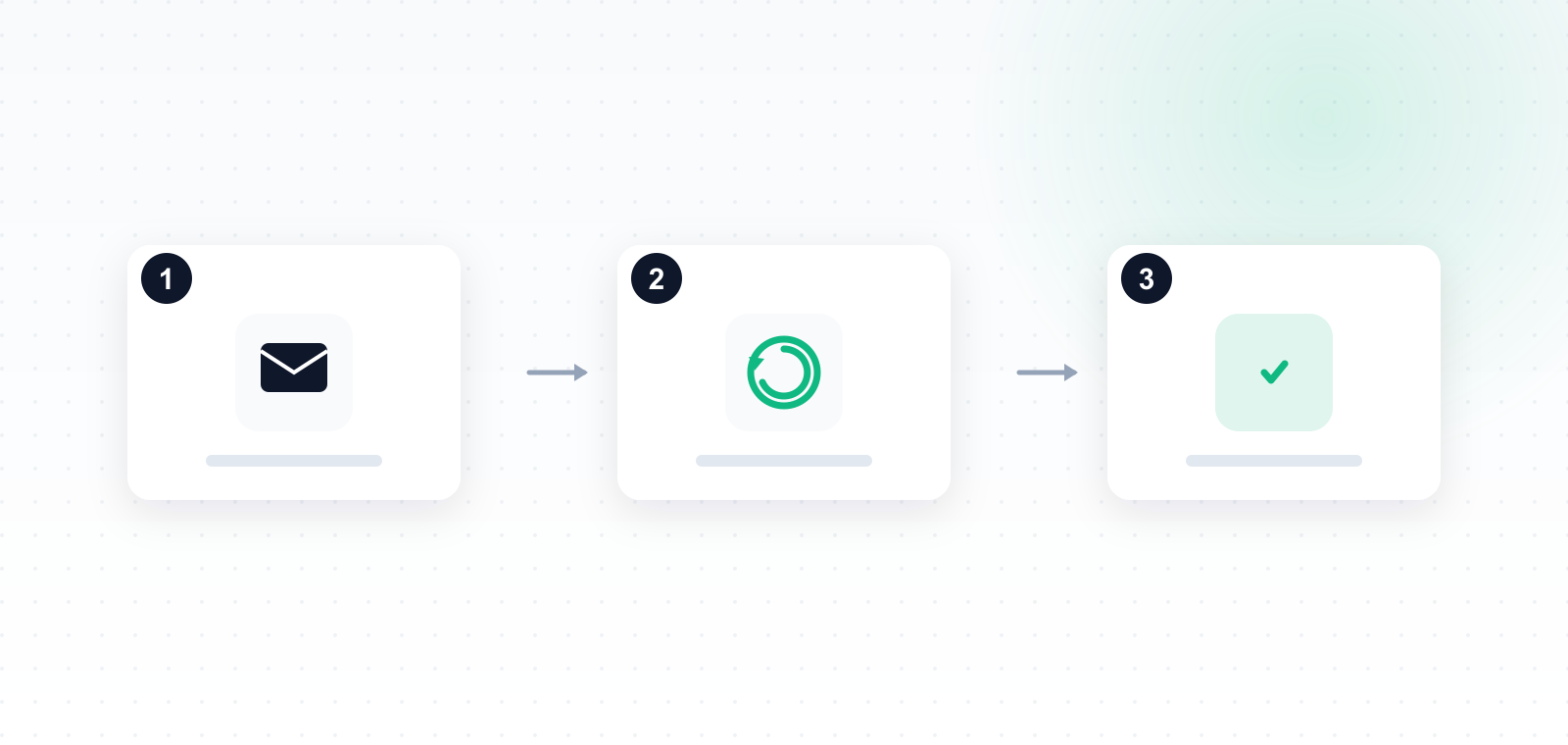
Three steps to full automation
1. Connect your sources once
Connect your inbox (Gmail or Outlook) and the business WhatsApp number. It happens once, at the start, and then you forget about it. From that point on, every new invoice that reaches one of those sources comes in automatically.
2. The system scans and extracts on its own
Each invoice is read automatically: supplier name, date, amount, the VAT amount and expense type. No manual typing, no copying from table to table. A blurry WhatsApp photo and a PDF invoice from email both get the same treatment.
3. Everything organized, ready to export
Expenses are sorted into categories, tagged by month, and kept in order in the expense center. When it is time to hand the material to your accountant, you export one clean report instead of collecting dozens of files from every corner.
What it actually saves
- Time: no more full evening of sorting invoices before the accountant meeting.
- Money: an expense that was never recorded is an expense you never deducted. Automation catches what the eye misses.
- Peace of mind: you know everything that comes in is captured, without relying on memory.
In short
Manual expense tracking does not fail because people do not try. It fails because it relies on manually gathering scattered information. Once the sources are connected and extraction is automatic, expense management stops being a monthly chore and simply happens in the background.
That is exactly what OptiPay is built to do: capture every expense from email and WhatsApp, categorize it automatically, and hand you a tidy report whenever you need one.
Want to see how it works on your own business? Get started with OptiPay, check the price of expense management in the OptiPay plans, or keep reading more articles on the OptiPay blog.