Expense management is one of the most important parts of running a business well. Plenty of owners know how much money lands in the account each month, but not exactly how much went out, to which suppliers, on which services, and which expenses never reached the books at all.
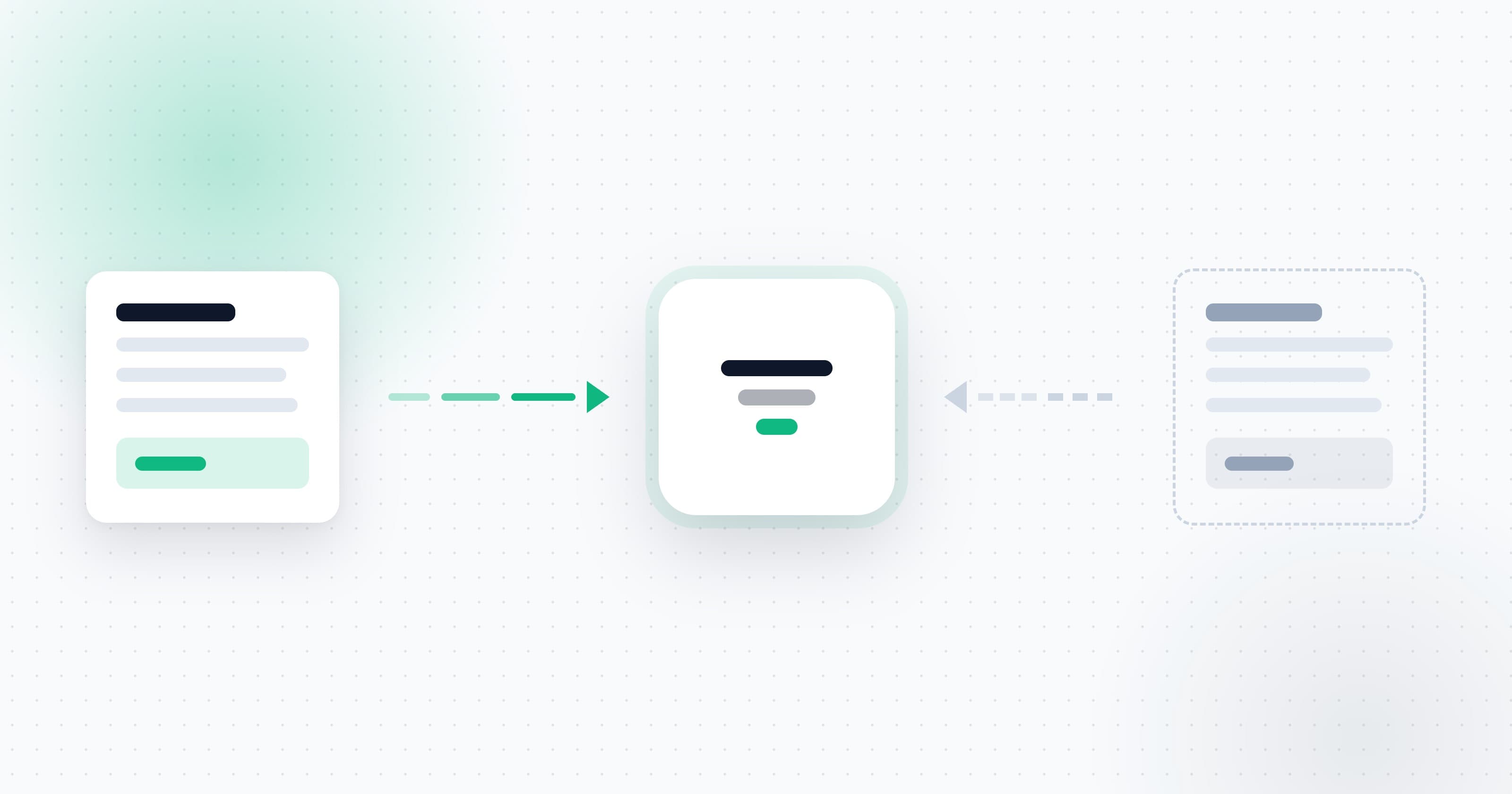
The core problem is that expenses do not live in one place. Invoices arrive in Gmail and Outlook, invoices get sent over WhatsApp, employees photograph documents on their phones, suppliers send download links, and some expenses get typed into a spreadsheet or saved in scattered folders.
The result is that it is hard to get a full, current picture of what the business spends. Documents get forgotten, expenses go unreported, and every month-end kicks off the same scramble for invoices and receipts.
Proper expense management is meant to make that process organized, ongoing, and smarter. It is also one of the most practical applications of business automation, because it replaces repetitive manual tasks with a steady, automatic process.
Why expense management is critical, not just admin
Expense management is not only an administrative chore for your accountant. It is a management tool that helps you understand your position and make decisions based on real numbers.
When every expense is centralized and categorized, you can see:
- How much the business spends each month
- Which fixed costs recur
- Which suppliers take the biggest share of the budget
- Where spending is climbing
- Which payments you could reduce or cancel
- Whether the business is on budget
- Which documents are still missing before filing
Without a clear system, it is easy to focus on revenue and ignore small expenses that quietly add up to real money.
A business can grow its top line, but if expenses climb faster, profitability suffers. Controlling what goes out matters just as much as bringing revenue in.
The common problems with manual expense tracking
In many businesses, expenses are still handled with a mix of inboxes, spreadsheets, desktop folders, and WhatsApp messages. Each of those tools can help on its own, but with no central system, the information scatters.
Invoices forgotten in the inbox
An inbox holds hundreds or thousands of messages. An invoice sent a few weeks ago can get buried under supplier emails, promotions, updates, and work threads.
Invoices left in WhatsApp
Owners and staff often receive documents over WhatsApp or photograph invoices on the spot. If the document is not moved somewhere organized right away, it can sit in the chat and get forgotten.
Manual entry into a spreadsheet
An expense spreadsheet needs typing, upkeep, and regular updates. When the owner is busy, the update slips, and the file stops reflecting reality.
Documents that arrive as links
Many suppliers no longer attach a PDF. Instead they send a button or a link to view the invoice. A process that only looks for attachments can miss them entirely.
Small expenses that disappear
Parking, taxis, meals, office supplies, and small purchases can look trivial. Over a month or a year, they add up to a meaningful sum.
Duplicates and disorder
When a document is sent by both email and WhatsApp, it can be captured twice. Another document might not be captured at all. Without a clear process, it is hard to know what you have, what is missing, and what already moved on.
Moving away from that setup is part of a wider shift toward optimizing business processes with AI. The goal is not only to do the same work faster, but to cut duplication, errors, and the points where information tends to slip away.
How do you manage expenses in an organized way?
Organized expense management rests on a few simple principles.
Centralize every expense
The first step is to stop spreading information across systems. Create one central place that holds the documents and the expense details.
Collect documents continuously
Do not wait for month-end. The closer invoices are captured to the moment of purchase, the smaller the chance they get lost.
Sort by category
Group expenses into categories such as marketing, software, communications, vehicle, office supplies, suppliers, travel, and hosting. Categories tell you not just how much you spend, but on what.
Review monthly
A monthly view surfaces trends and outliers. You can see if software costs crept up, if ad spend blew past budget, or if a new recurring charge appeared.
Check for missing documents
Not every payment arrives with an invoice attached. Review your expenses regularly and check which documents are still missing.
Build a steady routine
Management should become a business habit, not a task you only do when the accountant asks for material. A steady routine saves time and lowers stress.
Expenses in a spreadsheet: pros and cons
A spreadsheet is a common approach, especially for small businesses and freelancers. You can build a table with the date, supplier name, amount, category, and payment method, and update it through the month.
The upside of spreadsheets
A spreadsheet is familiar, flexible, and available. There is no complex system to learn, and you can shape the file to fit the business. It can work for a business with very few expenses and an owner who is willing to update it consistently.
The downside of spreadsheets
A spreadsheet does not find invoices, does not download documents from email, and does not capture invoices from WhatsApp. Every field has to be entered by hand.
The file also depends on the user's discipline. Skip it for a few days or weeks and a gap opens between the table and your real spending. Finding the original invoice can stay a problem too. The spreadsheet shows there was an expense, but you still have to hunt for the file or the invoice.
So a spreadsheet can be a basic or temporary answer, but as the number of expenses grows, the case for business automation with AI gets stronger. A system like that can read documents, pull out the data, and pass the information along without you typing every line.
Managing expenses in an app or a dedicated system
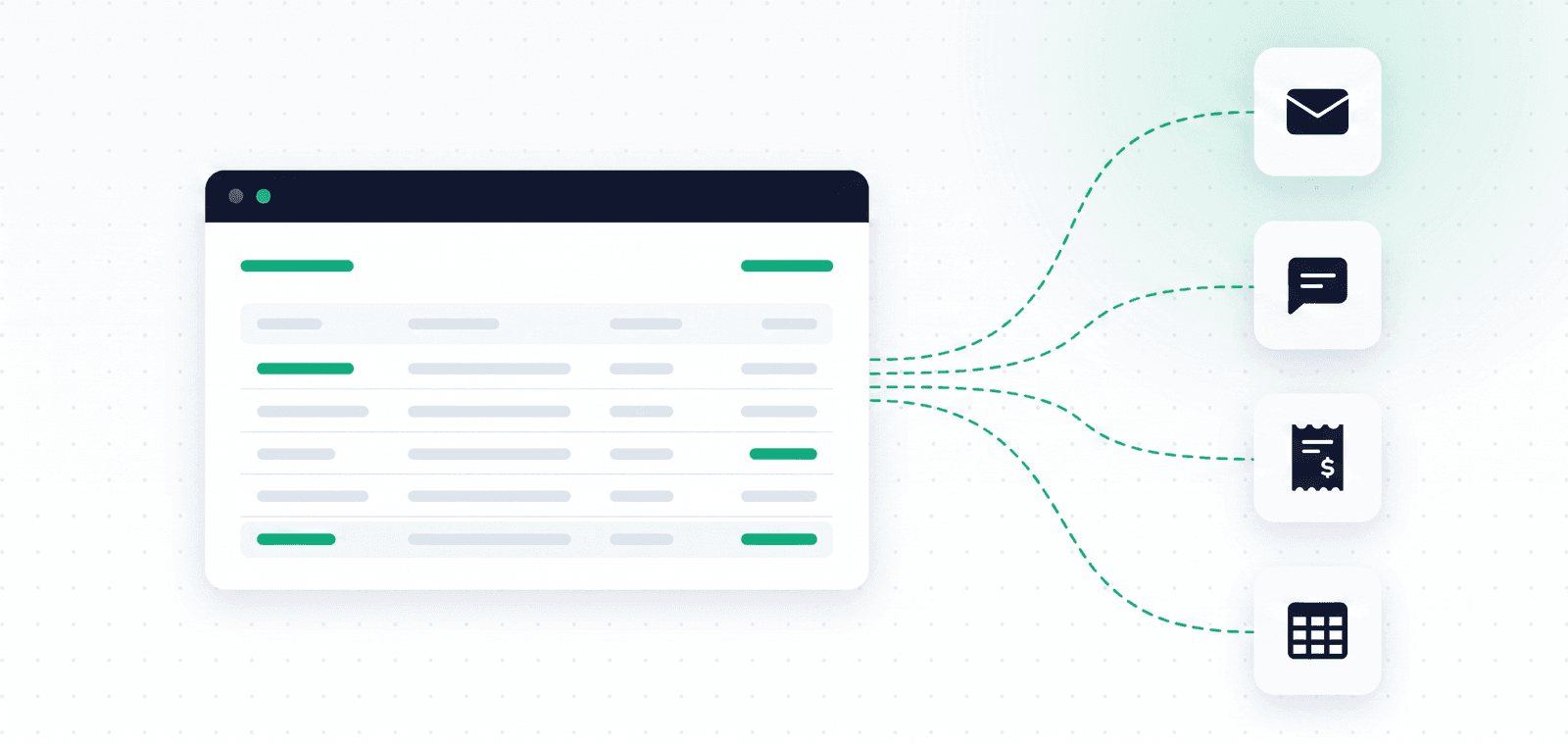
An expense management app can turn a large part of the process automatic. Instead of typing every expense, the system can find the document, read its details, and add it to the expense center.
An advanced system might offer:
- A connection to Gmail and Outlook
- Detection of invoices and receipts
- Recognition of documents behind links
- Invoice upload from your phone
- Sending over WhatsApp
- Extraction of supplier name, date, and amount
- Expense categorization
- Search by supplier, period, or category
- Duplicate detection
- Preparing documents for the books
The main advantage is that the information is gathered as part of the business's normal activity, not only when someone remembers to update a file. That is the difference between a tool that shows manually entered data and an automatic process that runs in the background. You can read more about how automatic expense tracking from email and WhatsApp works, and how invoice scanning and automatic collection remove the manual entry step.
Expenses and income: why you need both sides
To understand where a business stands, revenue alone is not enough. High revenue does not necessarily mean high profit. A business can bring in a large sum, but if supplier, staffing, advertising, and operating costs are high, the real profit can be small.
Looking at expenses and income together lets you examine the relationship between the two. For example:
- How much of monthly income goes to fixed costs
- What it costs the business to generate a sale
- Which months are more profitable
- Whether a rise in revenue comes with an unusual rise in expenses
- Whether there is enough margin to cover future payments
Some systems focus on full financial management, others on collecting, scanning, and centralizing expense documents. Decide what the business needs most, and choose a tool to match.
How smart expense management saves money
Smart expense management is not only about order. It can expose the places where a business is losing money.
Finding expenses that never got reported
When an invoice is forgotten in the inbox or stays in a wallet, the expense may never be processed. Automatic collection lowers the chance those documents get lost.
Spotting unused subscriptions and payments
A regular review surfaces services the business no longer uses but keeps paying for every month.
Reviewing supplier costs
When expenses are organized by supplier, it is easier to see what you pay over time, compare prices, or negotiate.
Catching anomalies
A sudden jump in a specific expense shows up earlier when you have a monthly snapshot.
Saving working time
The time an owner or team spends searching, downloading, sorting, and typing is an expense in itself. Automation can cut the manual work and free that time for more important tasks.
For more on how automation and AI together reduce manual work, read the guide on smart business automation.
Managing monthly expenses
A monthly view surfaces patterns you cannot see from a single expense. A software bill might look reasonable on its own, but add up all the subscriptions and it turns out the business is paying too much each month.
Each month, it is worth checking:
- Total spend
- How it changed versus the previous month
- Which categories grew
- Which new expenses appeared
- Which recurring charges exist
- Which invoices are still missing
- Whether any duplicates were created
- Whether any expenses can be reduced
The review does not have to be long. When the data is already centralized, you can get a snapshot in a short time.
What to check when choosing an expense system
Before you commit to a system, check that it fits the way your business receives and manages documents.
Email connections
Make sure it supports Gmail, Outlook, or whichever service the business uses.
WhatsApp support
The option to photograph and upload an invoice straight from your phone matters for businesses that buy outside the office.
Detecting invoices behind links
Not every invoice arrives as an attachment. Check that the system can handle links inside the email body too.
OCR and AI scanning
The system should be able to read the document and extract its key details.
Duplicate detection
When the same document arrives through several channels, the system should catch it and avoid a double entry.
Search and filtering
You should be able to find an expense by supplier, date, amount, category, or document type.
A comfortable interface
An expense system should save work, not add it. A clear, simple interface is central to daily use.
Data security
Because the system handles business and accounting data, check how it connects to accounts, manages permissions, and stores information. You can read about it on the OptiPay security page and the privacy and data page.
A trial option
A trial lets you test scan quality, ease of use, and fit before deciding. You can also review the price of expense management in the OptiPay plans.
How OptiPay helps manage business expenses
OptiPay helps owners find, centralize, and manage their expense documents in one place.
The system finds invoices and receipts in Gmail and Outlook, including documents that arrive through links. You can also photograph and upload expenses over WhatsApp.
Once a document is found, OptiPay scans the invoice, extracts the expense details, and centralizes them in the expense center. Instead of moving between inboxes, WhatsApp chats, and folders, the owner sees the expenses and documents in one system.
That cuts lost documents, saves manual work, and gets the material into better shape before it moves to the accountant.
OptiPay was built by Optimally, which specializes in building automations, AI solutions, and business process optimization.
Frequently asked questions about expense management
Can you manage expenses with a spreadsheet alone?
Yes. A spreadsheet can fit a small business with few expenses, as long as you update it consistently. As the number of documents grows, the process can turn manual and cumbersome.
Which is better, a spreadsheet or an expense app?
A spreadsheet suits basic tracking. An app or dedicated system can save more time through automatic collection, document scanning, and advanced search.
Why review monthly expenses?
A monthly review helps you catch anomalies, understand trends, spot unnecessary payments, and keep tighter control of the budget.
Does an expense system replace the accountant?
No. It helps collect, scan, categorize, and organize documents. The accounting work and filing stay with the professionals.
Can you manage expenses that arrive over WhatsApp?
Yes, when the system lets you photograph or forward the document over WhatsApp and send it for scanning.
Does the system detect invoices sent as a link?
An advanced system can detect emails where the invoice sits behind a link rather than an attachment.
In short
Organized expense management lets you see where the money goes, spot missing documents, track monthly spend, and make better decisions.
A spreadsheet can cover the basics, but it still needs manual entry and upkeep. As the business grows and documents pile up, an automatic system can save time, reduce errors, and centralize everything in one place.
The goal is not only to line up the invoices before month-end. Smart expense management builds a clearer picture of the business and surfaces unnecessary costs, anomalies, and unfiled documents earlier.
Want to manage your business expenses more intelligently? OptiPay finds and centralizes invoices and receipts from Gmail, Outlook, and WhatsApp, so you can see every business expense in one place. Start a 30-day free trial.
If you want to turn more manual processes into automated ones, you can also talk to the Optimally team about your current workflows.