Invoices and receipts are part of every business, but in practice they arrive from a wide range of sources: some by email, others over WhatsApp, some as a PDF file, and some sent only as a download link.
The result is that many owners spend a lot of time searching, downloading, saving, sorting, and forwarding documents to the accountant. Documents get forgotten, invoices get lost, and business expenses never make it into the filing.
Invoice scanning and automatic invoice collection are a strong example of AI and automation applied to a business. Instead of hunting for scattered documents every month-end, a system for collecting and scanning invoices like OptiPay finds them, reads them, and centralizes them in one place.
Why manual invoice collection no longer holds up
Most invoices used to arrive in the mail, or were printed and filed in a binder. Today the picture is completely different.
An average business receives invoices from software vendors by email, invoices for purchases over WhatsApp, telecom documents through a customer portal, and invoices from digital services via a link. When every document arrives a different way, order is hard to maintain over time.
Manual collection can create several problems:
- Invoices forgotten in the inbox
- Invoices received over WhatsApp that never reach the books
- Documents saved in scattered folders with no fixed order
- The same invoice forwarded more than once
- A lot of time wasted searching for and downloading files
- Business expenses that never make it into the filing
- A stressful, disorganized month-end
The problem is not only administrative. An invoice you did not find in time can become an expense that was never processed, which is money left on the floor. Collecting invoices is the foundation of organized expense management, and it is exactly why more businesses are moving from manual work toward business automation that handles repetitive tasks consistently.
What is automatic invoice scanning?
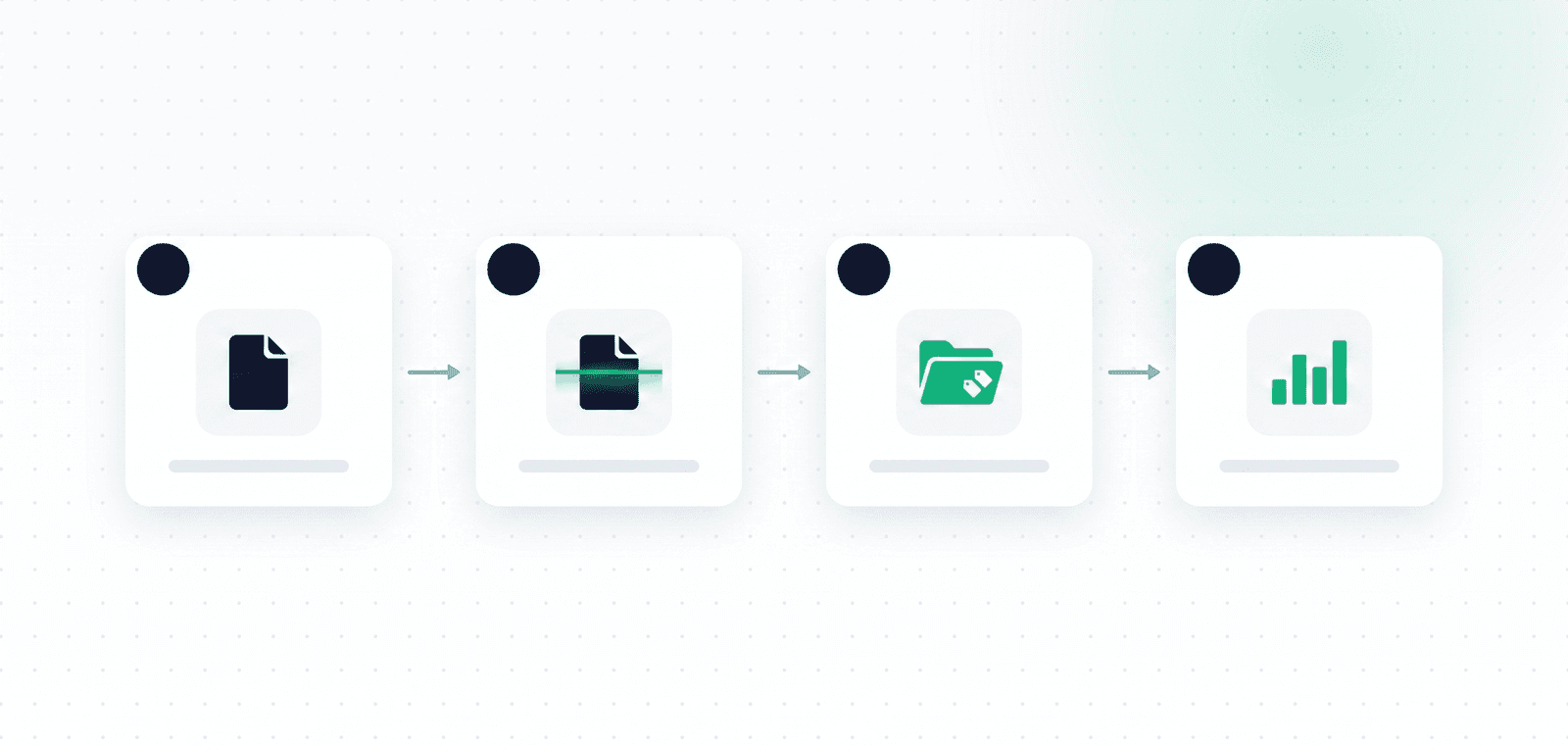
Automatic invoice scanning is a process in which a digital system finds invoices and receipts, reads the information they contain, and centralizes it in an organized way.
The system connects to the sources where the business receives documents, such as Gmail or Outlook, identifies relevant messages, and extracts attachments or invoice links from them. Once the document is found, OCR and AI are used to identify the expense details.
Among other things, the system identifies:
- Supplier name
- Invoice date
- Transaction amount
- VAT amount
- Invoice number
- Document type
- Expense category
- The source file
Instead of typing every detail by hand, the owner gets a document that has already been scanned and organized. Combining fixed automation rules with AI lets the system do more than move files around: it understands their content, categorizes them, and extracts useful information.
At OptiPay, the process includes finding the invoice, extracting the data, categorizing the expense, and presenting it in one expense center. It is also the basis for automatic expense tracking that runs in the background all month.
How does invoice collection from email work?
Collecting invoices from email starts with a secure connection of a Gmail or Outlook inbox to the system.
Once connected, the system searches for messages that might contain invoices, receipts, or expense documents. It checks the message content, the sender, the subject, the attachments, and sometimes the links in the message body.
The process has a few stages:
- Connect the email account to the system
- Find relevant messages
- Detect PDF files, images, or links
- Download the document or read its content
- Extract the invoice details
- Categorize the expense
- Store the document in the expense center
By connecting Gmail or Outlook to OptiPay, invoices start entering the system automatically, with no need to forward every message or file by hand.
Owners who want to understand which permissions are required and how account data is used can also read about Gmail privacy and data at OptiPay.
One important thing to check is whether the system can find invoices that arrive through a link. Many suppliers no longer attach the invoice itself. Instead they send a message with a button like "View invoice" or "Download receipt". A system that only looks for attachments can miss those documents.
OptiPay also supports collecting invoices that arrive as a link: the system opens the link, pulls the document, and extracts the expense details.
Collecting invoices from WhatsApp
WhatsApp has become a central work channel for many businesses. Suppliers, service providers, and employees send invoice photos, receipts, and files through it.
The problem is that a document sent over WhatsApp can stay in the chat and get forgotten, especially when it is a photo taken during a trip, a meeting, a purchase, or a business meal.
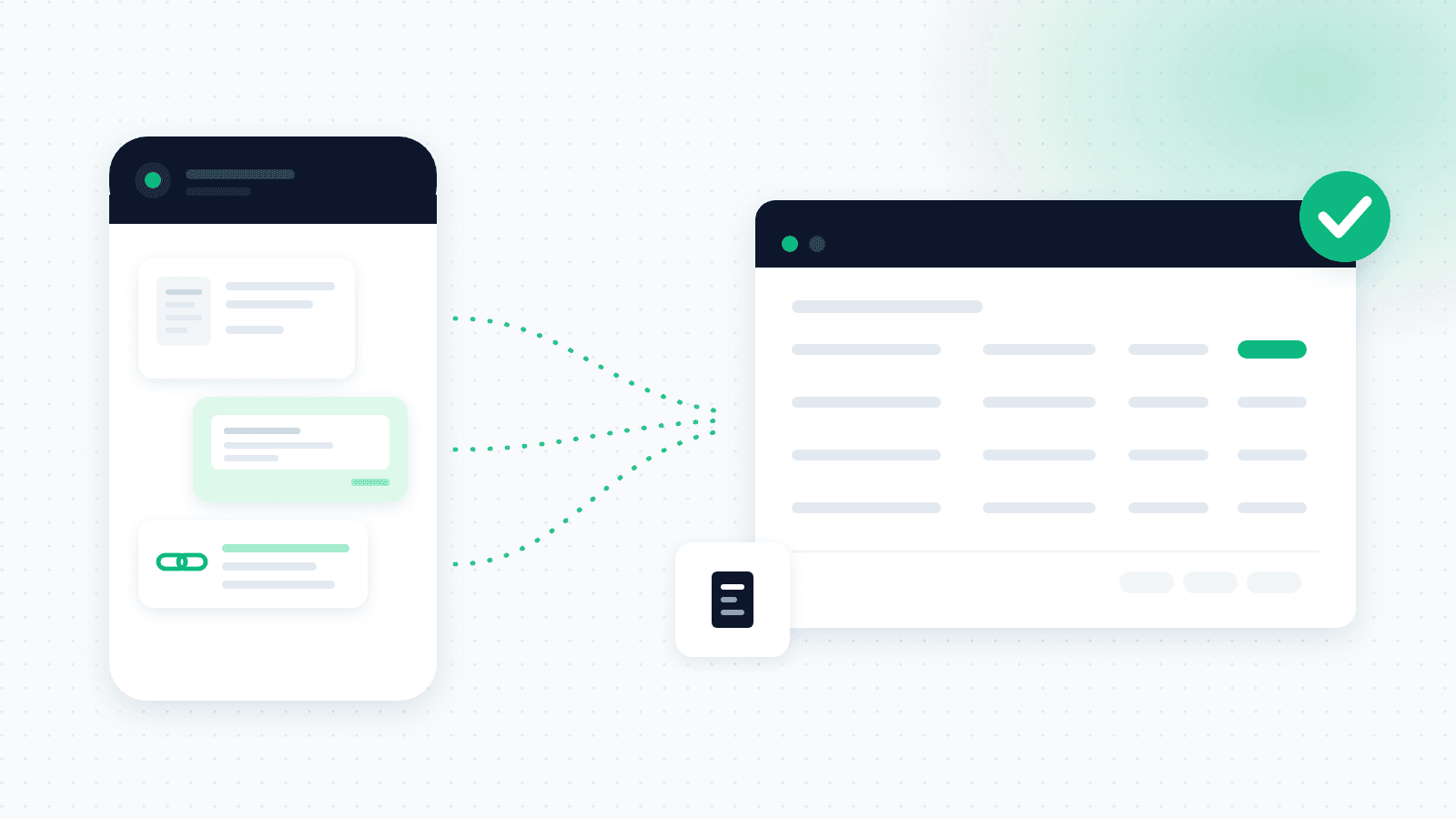
An invoice-collection system lets the owner photograph the invoice or upload the document straight through WhatsApp. After it is sent, the document is scanned and its details are added to the expense center.
With the OptiPay WhatsApp AI assistant, you can send a photo, a file, or an invoice link. The assistant uploads the document, reads it, and categorizes the expense automatically.
For example, an owner who got an invoice at a restaurant can photograph it on the spot and send it to the system, instead of keeping the paper in a wallet and hoping to remember it at month-end.
This is a particularly meaningful feature, because it helps capture small expenses that often get forgotten. When dozens of such documents pile up over a year, the amounts can matter to the business.
What are the benefits of AI invoice scanning?
Using AI in the scanning process lets the system understand the document's structure, not just read plain text.
Invoices differ in design, field order, language, and format. The amount might appear at the top of the document, at the bottom, or inside a table. The supplier name, VAT, and date are not always in the same place either. An AI-based system analyzes the document and identifies the key data even when the structure changes.
Less manual work
There is no need to open every invoice, copy the data, and save it in the right folder.
Fast document retrieval
Instead of searching by supplier name in the inbox, you can look up the invoice in an organized expense center.
Fewer errors
Manual entry can lead to mistakes in amounts, dates, or supplier details. Automatic scanning reduces the amount of typing.
Fewer lost invoices
The system finds documents in the inbox and lowers the risk that they get forgotten.
A better snapshot
When expenses are centralized, it is easier to understand how much the business spent, on what, and which documents are still missing.
Time saved
Instead of spending a few hours at every month-end collecting invoices, you can manage the process continuously.
With the OptiPay expense center, you can centralize documents, search invoices by various details, and see expenses organized in one place. Because the system also identifies the VAT amount on each invoice, it is easier to prepare the material for filing.
Invoice scanning for the accountant
One of the main goals of collecting invoices is preparing the material for the accountant or bookkeeper.
In many businesses the process still runs on a mix of emails, cloud folders, WhatsApp messages, and files forwarded separately. That approach makes it hard to know which invoices were already sent and which are still missing.
An invoice-scanning system centralizes all the documents by month, supplier, document type, or expense category. That lets you:
- See which invoices were already found
- Identify missing documents
- Reduce duplicate sending
- Organize expenses by period
- Prepare the material in better shape
- Save time for the owner and the bookkeeper
OptiPay exports reports and documents in formats like Excel, PDF, CSV, and ZIP, depending on how you prefer to work. You can also have the report emailed straight to your accountant on the 1st of every month. The full details are on the invoice scanning for your accountant page.
It is worth stressing that an invoice-scanning system does not replace the accountant. It improves the stage of collecting, organizing, and preparing the documents for the accounting work that follows.
What to check when choosing an invoice-collection app
Not every system offers the same capabilities. Before choosing a solution, check how it fits the way your business works.
This section focuses on capabilities. For a full comparison that also covers the commercial terms, such as historical scan depth, the monthly document cap and user limits, see the guide on how to choose an invoice collection system.
A connection to Gmail and Outlook
Businesses work with different email systems. Make sure the system supports the service the business uses.
WhatsApp support
When some invoices arrive on mobile, the option to photograph and upload a document over WhatsApp saves a lot of time.
Detecting invoices behind links
Check that the system does not rely only on attachments, but can also detect invoices that arrive through a link.
OCR and AI
Good scanning should identify the document details and turn them into information you can search, filter, and manage.
Duplicate detection
When the same invoice is sent through several channels, the system should flag the duplicates.
Data security and permissions
The system gets access to business and accounting data, so it is important to check how the data is stored, which permissions are required, and what security mechanisms exist. You can read in detail about encryption, two-factor authentication, backups, and external audits on the OptiPay security page.
Search and filtering
Choose a system that lets you search documents by supplier, date, amount, category, or document type.
A simple interface
A good system should be clear even for a user who is not technical.
A trial option
A trial lets you check whether the system really fits how the business works. Before deciding, you can review the price of invoice scanning and invoice collection in the OptiPay plans.
How OptiPay centralizes your business expenses
OptiPay is built to help owners find, scan, and centralize invoices and receipts in one place.
The system finds invoices automatically in Gmail and Outlook, including documents that arrive through links. You can also photograph and upload expenses over WhatsApp.
Once a document is found, OptiPay extracts the expense details, categorizes it, and presents it in the expense center. That lets you see which invoices were found, track expenses, and centralize the material before it moves to the accountant.
Instead of moving between inboxes, WhatsApp chats, and folders every month-end, the business gets one place that holds the important documents and data.
OptiPay was built by Optimally, automation and AI solutions for businesses, out of experience building processes that connect systems, information, and repetitive actions.
Frequently asked questions about invoice scanning
Can you scan old invoices from email?
It depends on the system's capabilities and the permissions it was given. Some systems can scan older messages too and find relevant documents in them.
Can you scan photographed invoices and receipts?
Yes. You can scan photos of invoices and receipts as well, as long as the photo is clear and the details are legible. It is best to photograph the invoice in full and in good light.
Can you collect invoices from Outlook too?
Yes. OptiPay connects to both Outlook and Gmail and finds invoices in the connected inboxes.
Does the system detect invoices sent as a link?
Yes. OptiPay detects invoices available through a link in the email body or sent to the WhatsApp AI assistant, opens the link, and saves the document in the system.
Does invoice scanning replace the accountant?
No. The system helps with collecting, scanning, organizing, and preparing documents. Responsibility for the accounting work and filing stays with the professionals.
Can you forward the documents to the accountant?
Yes. You can centralize and export your business expenses in formats suited to sharing, or set the report to be emailed to your accountant every month. See invoice scanning for your accountant.
Is OptiPay secure?
You can read about the protections, encryption, authentication, and data processors on the security and privacy and data pages.
Do you still need to check the data?
Yes. Even with an automatic system, it is worth reviewing the documents to confirm the data was captured correctly, especially for an unclear photo or a document with an unusual structure. The FAQ also covers what happens when the system does not recognize an invoice.
In short
Invoice scanning and automatic invoice collection turn a manual, messy process into a simpler part of running the business.
Instead of searching for invoices in email, saving photos from WhatsApp, and forwarding files one by one, you can centralize the documents in one system, identify the expense details, and prepare the material in better shape.
The advantage is not only time saved. Organized collection helps reduce lost documents, improve control over expenses, and lower the chance that business expenses stay out of the filing.
Tired of hunting for invoices every month-end? Join OptiPay and centralize invoices and receipts from Gmail, Outlook, and WhatsApp in one place. You can start with no credit card and set the system up in minutes.
If you want to check which other processes you can automate, you can also book a consultation with the Optimally team.