Israel has no VIES-style public VAT lookup. To check an Israeli supplier, you enter its nine-digit dealer number in the Israel Tax Authority's free dealer-details service, which returns the business name, its address and whether it is registered as a licensed dealer (osek murshe). The service sits inside the Tax Authority's personal area, so you need to be registered for its digital services. For any invoice above 5,000 ILS before VAT there is a second check: the allocation number.
Most English pages on this topic are written for a foreign company onboarding an Israeli vendor, and several point to EU-style lookup sites that do not work for Israel. This guide is written for the business in Israel that is holding a supplier's invoice and has two questions: is this supplier real, and can I reclaim the VAT on this invoice? They are different questions, and the answer to the first does not settle the second.
The Israeli VAT number, in short
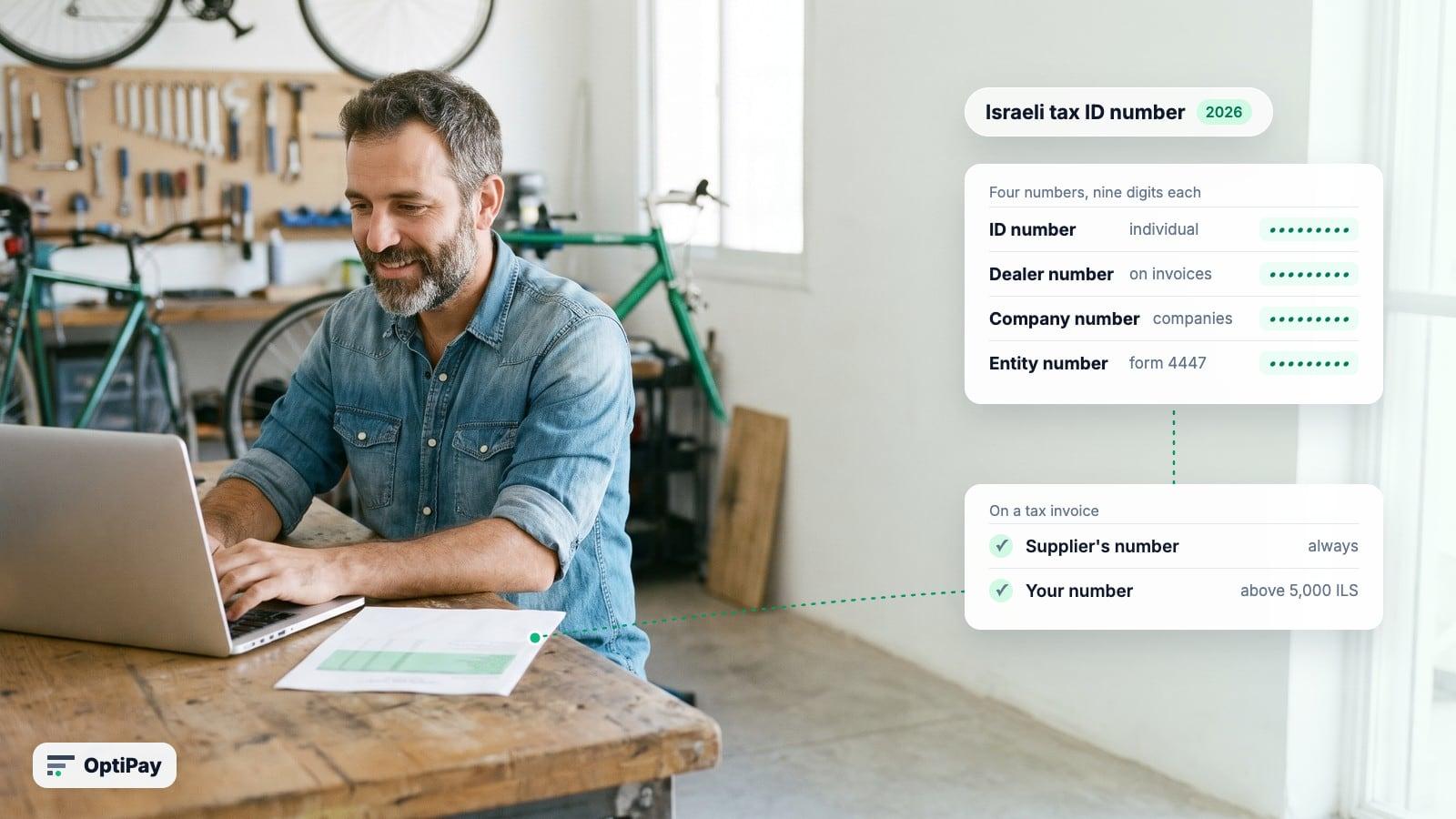
There is no separate "VAT number" in Israel. A business is identified by a nine-digit number: for an individual it is usually the owner's ID number, for a company the company registration number. On a tax invoice it appears as the dealer number (mispar osek). That is the number you check. Which of Israel's numbers belongs where on an invoice, and what a wrong one does to your VAT, is in our guide to the Israeli tax ID number.
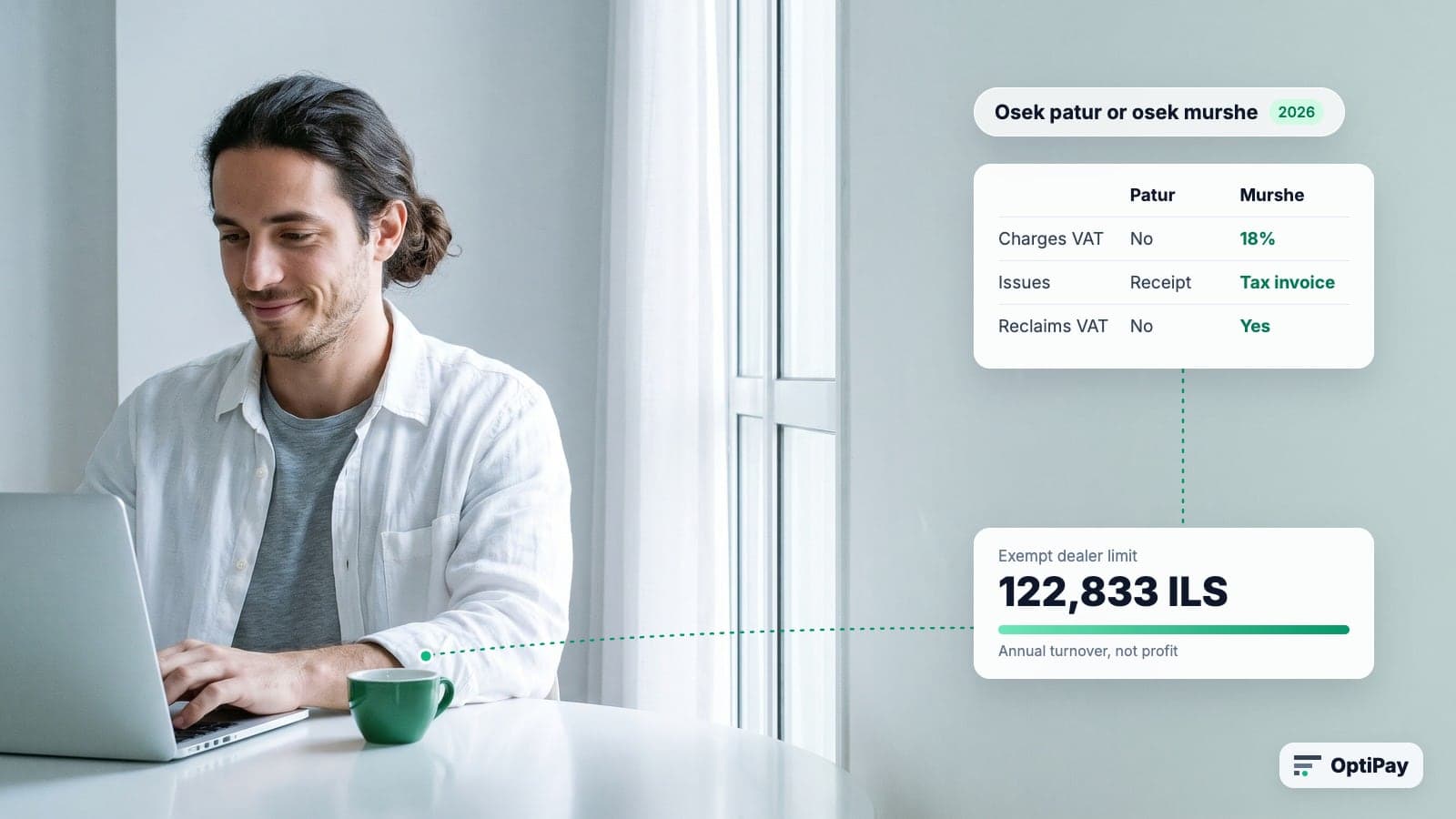
The registry also tells you which kind of dealer the supplier is. An osek murshe (licensed dealer) charges VAT and issues tax invoices. An osek patur (exempt dealer) does not charge VAT and cannot issue a tax invoice. We explain the difference in Osek Patur or Osek Murshe.
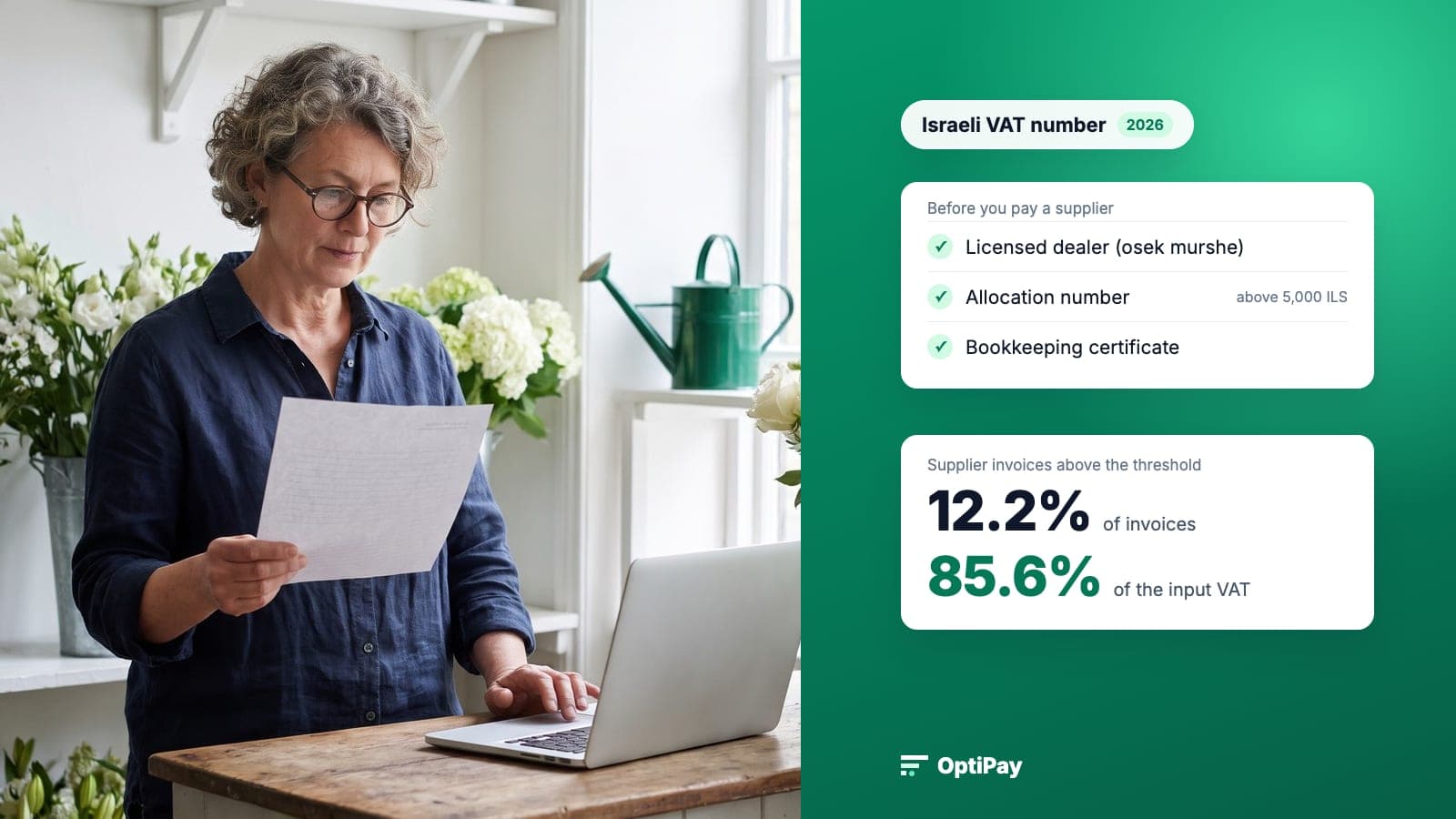
Three checks before you pay a supplier
All three tools belong to the Israel Tax Authority and cost nothing.
| Check | Tax Authority service | You enter | You get |
|---|---|---|---|
| Is the supplier a licensed dealer? | Contact details of a licensed VAT trader | The dealer number | Name, business address, and whether it is registered as a licensed dealer |
| Is this large invoice genuine? | Verify a supplier invoice by allocation number | The nine-digit allocation number | The invoice details as the supplier reported them |
| Does the supplier keep proper books? | Withholding and bookkeeping certificates | The supplier's tax file number | The bookkeeping certificate status and the withholding rate |
Check 1: is the supplier a licensed dealer?
Open the Tax Authority's licensed dealer details service. The information page is in English, but the service itself runs in Hebrew inside the Tax Authority's personal area. When we checked in November 2026, the link led to the sign-in page for registered users. You enter the supplier's dealer number and see three things.
- The name matches. The name in the registry should match the name on the invoice. A mismatch is a reason to stop.
- It is licensed, not exempt. A tax invoice from an osek patur is not a tax invoice, and you cannot reclaim VAT from it.
- The number exists at all. A number that returns nothing is a reason to stop before paying.
Check 2: does the invoice need an allocation number?
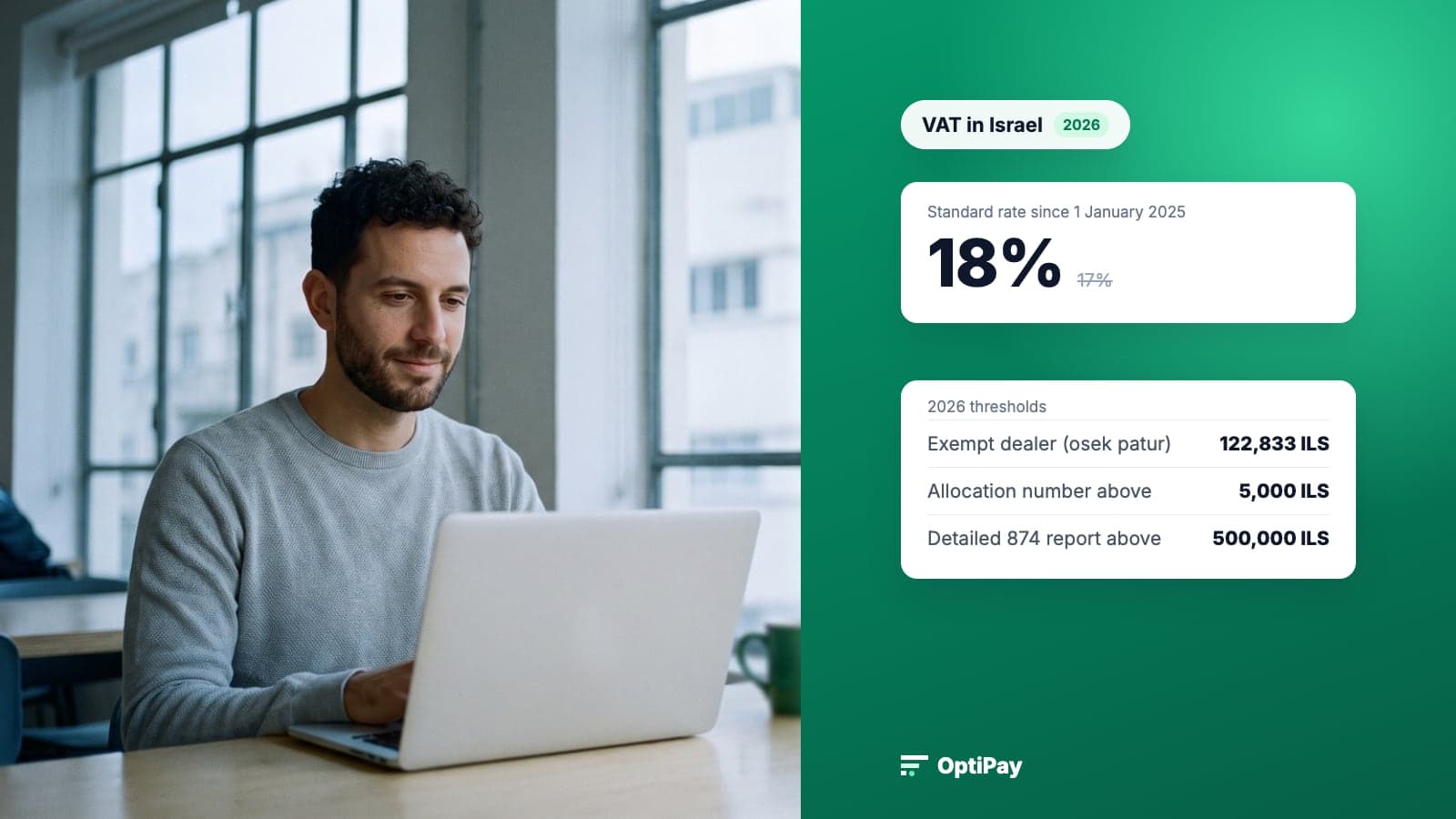
Since 2024 Israel has been rolling out a real-time e-invoicing model known as Israel Invoices. For each tax invoice above a threshold, the supplier asks the Tax Authority for a nine-digit allocation number and prints it on the invoice. Without it, the buyer cannot reclaim that invoice's VAT. The threshold is measured before VAT, and it has been dropping:
| Invoice date | Allocation number needed above (before VAT) |
|---|---|
| 2024 | 25,000 ILS |
| 2025 | 20,000 ILS |
| 1 January to 31 May 2026 | 10,000 ILS |
| From 1 June 2026 | 5,000 ILS |
This is the check most guides skip, and it is the one that costs money. A supplier can be a fully legitimate licensed dealer and the invoice still not be claimable, because the number is missing. Credit notes do not need one, at any amount.
Checking takes three steps:
- Find the field. The invoice should show "מספר הקצאה" (allocation number) with nine digits, usually under the invoice number. Some invoices print a 26-digit request ID near the title; the allocation number is its last nine digits.
- Verify it. In the Tax Authority's invoice verification service, enter the number and compare the supplier, amount and date with the invoice you hold. The service is open to licensed dealers and to anyone they authorize, such as their accountant.
- If it is missing, ask the supplier. According to the Tax Authority's Israel Invoices FAQ, a number can be requested retroactively for up to a year after the invoice date. Until it arrives, the VAT on that invoice stays out of your report.
How much of your VAT sits on these invoices? In the supplier tax invoices OptiPay collected for its users from January to October 2026, 12.2% of invoices were above the threshold in force on their date, and they carried 85.6% of the input VAT. We first published that figure in our Hebrew guide to allocation numbers, and the thresholds are also covered in our guide to VAT in Israel. In practice, about one supplier invoice in eight needs this check, and almost all the money you reclaim is in that one.
Check 3: the bookkeeping certificate and withholding tax
A bookkeeping certificate (ishur nihul sfarim) confirms that the supplier keeps books and reports to the Tax Authority. Public bodies must get one before contracting with a supplier. A private business does not have to, but a supplier without one is a warning sign. And if your business is required to withhold tax at source from supplier payments, the rate depends on what the supplier holds: 20% by default, 30% when the supplier has not shown it keeps proper books, and less (or nothing) with a valid certificate.
Most small businesses are not required to withhold. For them, checks 1 and 2 are the ones that matter. Businesses with many suppliers can check up to 1,000 at a time through the Tax Authority's System 1000.
What happens if you claim VAT from a bad invoice
Under section 38 of the VAT Law, input VAT can be deducted only from a tax invoice "issued to him lawfully". Under section 50, the VAT Director may fine a business that deducted VAT from an unlawful invoice an amount equal to twice the tax, unless it proves it did not know. Courts read that defence narrowly: the buyer has to show it took reasonable steps to verify the supplier and the invoice. The three checks above are those steps. Keep a note of when you ran them.
How OptiPay helps you know which invoices to check
OptiPay collects supplier invoices from Gmail, Outlook and WhatsApp as they arrive, reads them with AI and keeps them in one place. It identifies the document type and counts reclaimable VAT only from tax invoices, so a receipt does not slip into the report as if it were one. In the dashboard you see which suppliers you spend the most with, which tells you who to check first.
The checks themselves happen on the Tax Authority's site. What OptiPay saves is the hunt for the invoices and the list of who has not been checked yet. At the end of the period your accountant gets everything in order. More on Israeli VAT in our guide to VAT in Israel.
Frequently asked questions
Can I check an Israeli VAT number in VIES?
No. VIES covers EU member states only. Israel has its own registry, and the Tax Authority check sits inside its personal area: you enter the dealer number and get the business name, its address and whether it is registered as a licensed dealer (osek murshe). The service is free, but you need to be registered for the Tax Authority's digital services.
What does an Israeli VAT number look like?
An Israeli business is identified by a nine-digit number. For an individual it is usually the owner's ID number. For a company it is the company registration number. The same number appears on the supplier's tax invoices as the dealer number (osek number).
Does a valid VAT number mean I can reclaim the VAT on the invoice?
Not by itself. You can reclaim input VAT only from a tax invoice issued by a licensed dealer, within six months of the invoice date. An osek patur cannot issue a tax invoice at all. From 1 June 2026, an invoice above 5,000 ILS before VAT also needs an allocation number, or its VAT cannot be reclaimed even if the supplier is fully legitimate.
How do I verify an allocation number?
With the Tax Authority service that verifies a supplier invoice by its allocation number. You enter the nine-digit number and see the invoice details as the supplier reported them, then compare the supplier, amount and date with the invoice you hold. The service is free and open to licensed dealers and to anyone they authorize, such as their accountant.
What is the risk of claiming VAT from a bad invoice?
Under section 50 of the VAT Law, the VAT Director may fine a business that deducted input VAT from an invoice issued unlawfully an amount equal to twice the tax, unless it proves it did not know. Courts read that defence narrowly, so documented checks before you pay are the best protection.
Summary
Checking an Israeli VAT number answers one question: is this supplier a real, licensed dealer? The Tax Authority's dealer-details service answers it for free, once you are registered for its digital services. The question that decides your VAT is a second one: can you reclaim this invoice? Above 5,000 ILS before VAT, that takes an allocation number you can verify. Check regular suppliers once a year and every large invoice when it arrives.