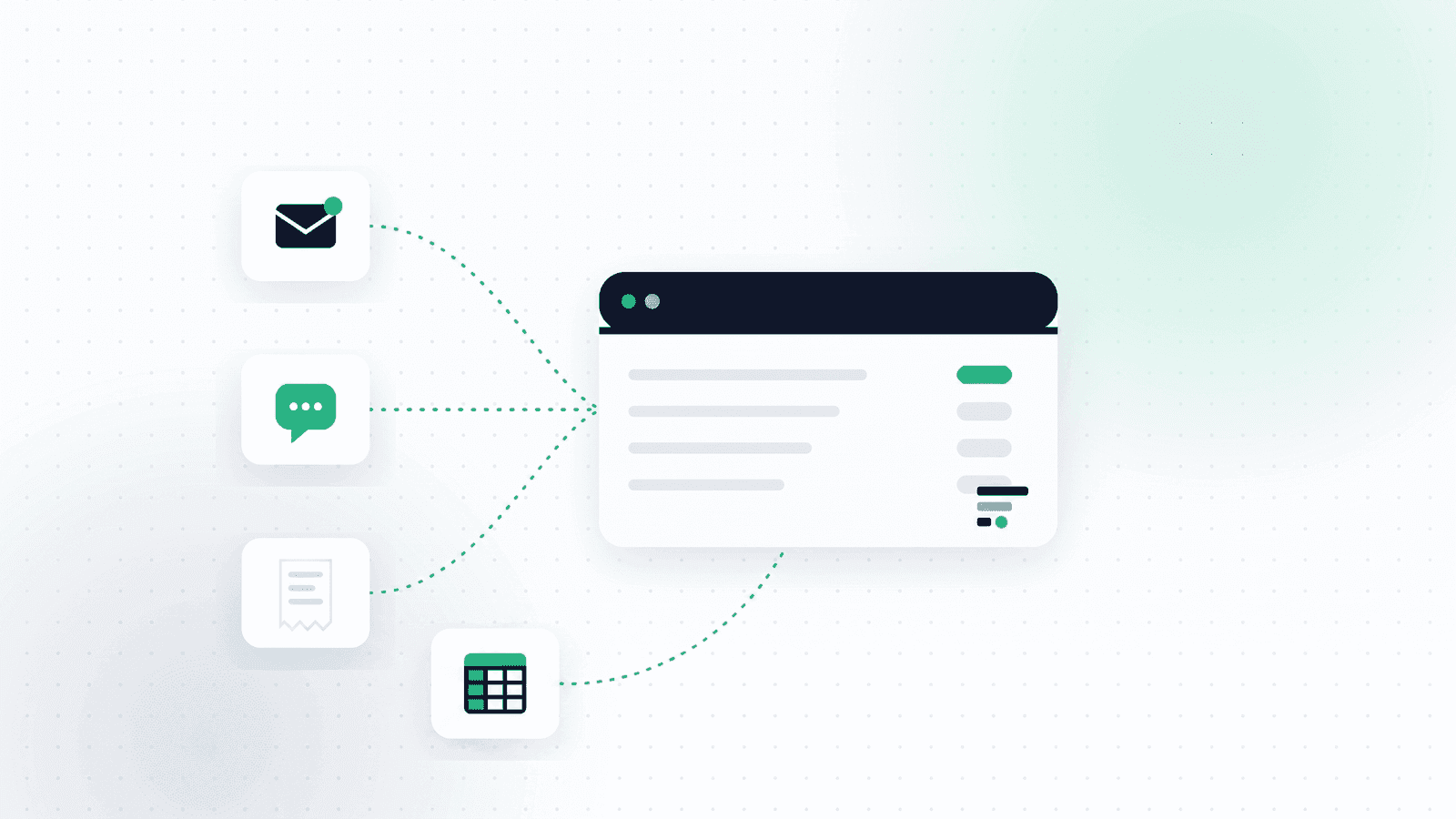
Most business owners assume they are judged on how organized they feel. Your accountant is judged on what actually lands on their desk. A WhatsApp album with forty photos, an email with seven attachments, and a Drive folder nobody remembered to share are three completely different things from where they sit, even when all three contain exactly the same expenses.
This article is written from the other side of that desk. What your accountant genuinely needs each reporting period, in what format, how often, and what happens when the material arrives late. The short version: a good expense report is one that can be processed without a single follow-up question.
What actually arrives at the accountant's office
Before discussing the right format, it helps to understand what happens on the receiving end.
Israeli bookkeeping practices describe the same cycle every reporting period. As Achiya Automation, which works with accounting firms in Israel, puts it: "before every filing, a manual chase begins after clients who forgot to send documents," while at the same time "clients send stacks of invoice and receipt photos, and someone in the office types it all in manually. Hours of tedious work that steals time from professional work."
Notice what actually hurts there. Not the volume of expenses, but two other things: the material arrives late, and it arrives in a shape that demands retyping. Both are within your control, and both directly affect the quality of the work you get back.
A simple test before you send: could someone who has never seen your business take this file, record every expense from it, and never need to ask you a question? If not, it is not ready yet.
What belongs in an expense report for your accountant
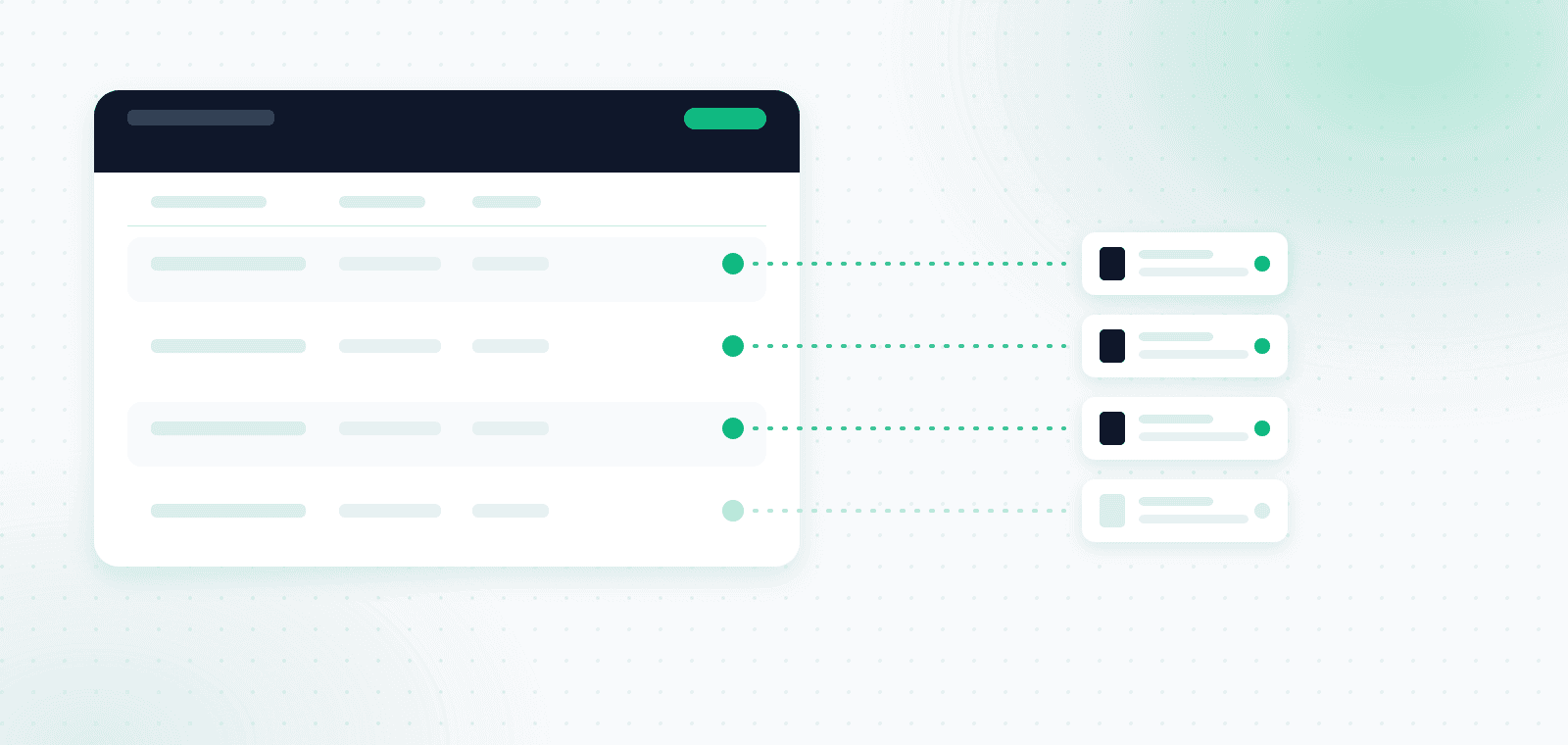
A complete handoff has two parts: a summary table and the source documents. Either one alone is not enough.
In the table, every expense line should carry:
- Document date
- Vendor name
- Invoice number
- Amount before VAT
- VAT amount
- Total amount
- Expense category
- Payment method
- The matching source file name
That last field is the one everyone forgets, and it is exactly the one that prevents the follow-up call. When each row points at a specific file, nobody has to guess which photo belongs to which line.
Alongside the table, attach the source documents themselves, legible, each as its own file. If the period included income, add the invoices you issued plus the bank and credit card statements for the same window, so charges can be reconciled against documents.
For a fuller breakdown of what counts as a deductible expense and how to identify the VAT component on each document, read our guide to receipts and VAT for freelancers.
Which format to send expenses in
The choice of channel is not a matter of taste. It determines how much manual work gets created on the other side.
| How you send | What happens at the accountant's office | Suitable for |
|---|---|---|
| WhatsApp photo album | No file names, no order, blurry shots, full manual entry | One urgent document, occasionally |
| Individual emails through the month | Material spread across dozens of threads, easy to miss one | A business with two or three expenses a month |
| Physical binder delivered by hand | Scanning and typing at the office, no backup if something is lost | Businesses still receiving paper only |
| Shared Drive folder | Better, but still no summary table and no duplicate check | An organized business already keeping a spreadsheet |
| One package: summary file plus attached source documents | Direct import, no typing, no questions | The default worth aiming for |
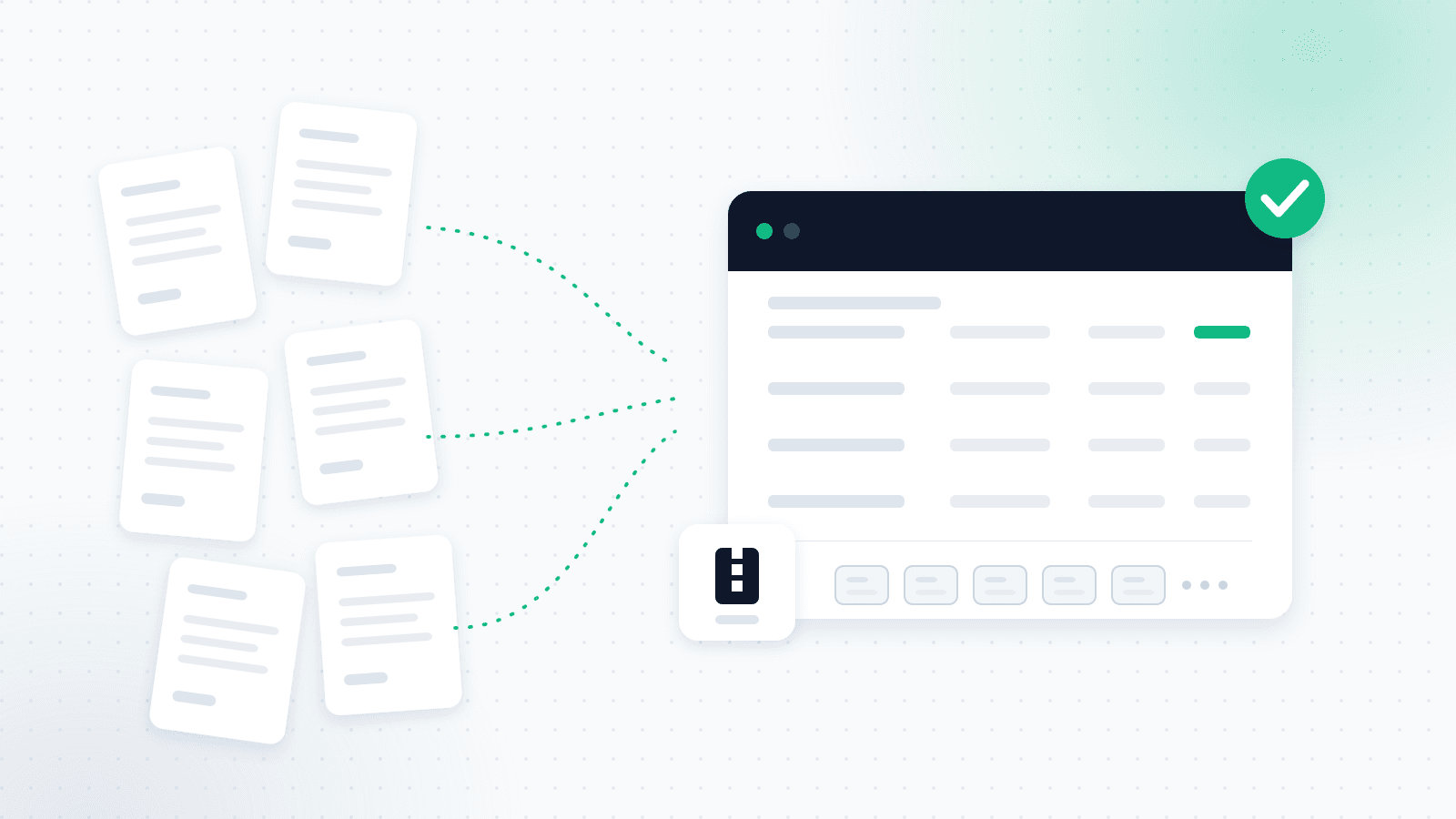
That last row is the target. One package per period, with a table in Excel or CSV that can be imported into the bookkeeping system, plus a ZIP of source files whose names match the rows in the table.
This is precisely the shape OptiPay exports for your accountant: a clean table in Excel, PDF, CSV, or ZIP, including the original file of every invoice, as one file instead of dozens of messages.
How often to send material to your accountant
Frequency follows your VAT reporting period, not personal preference.
Per Kol Zchut, businesses whose turnover in the determining year is up to 1,775,000 ILS (as of 1 January 2026) file VAT bi-monthly, and above that threshold they file monthly. The periodic return is due by the 15th of the month following the end of the reporting period. An exempt dealer (osek patur) files no periodic return at all, only a single annual turnover declaration by 31 January.
That produces a simple schedule:
- Capture every document the day it arrives, not at month end
- Close the period in the first days of the following month
- Send to your accountant no later than the 5th, leaving them ten days before the statutory deadline
- Keep the period open a few extra days for documents that arrive late
Waiting until the last moment forces your accountant to work under pressure during their busiest week of the cycle, which is exactly the week when mistakes happen.
Why sending invoices late costs real money
This is the part most business owners have never been told, and it matters more than any of the rest.
Section 38(a) of the Israeli VAT Law states that an input tax deduction must be made "within six months from the date the invoice was issued." In plain terms: every invoice has a six-month window in which its VAT can be offset. Once that window closes, the offset is only possible through an amended return with special approval from the Tax Authority, and without that approval the money is simply gone.
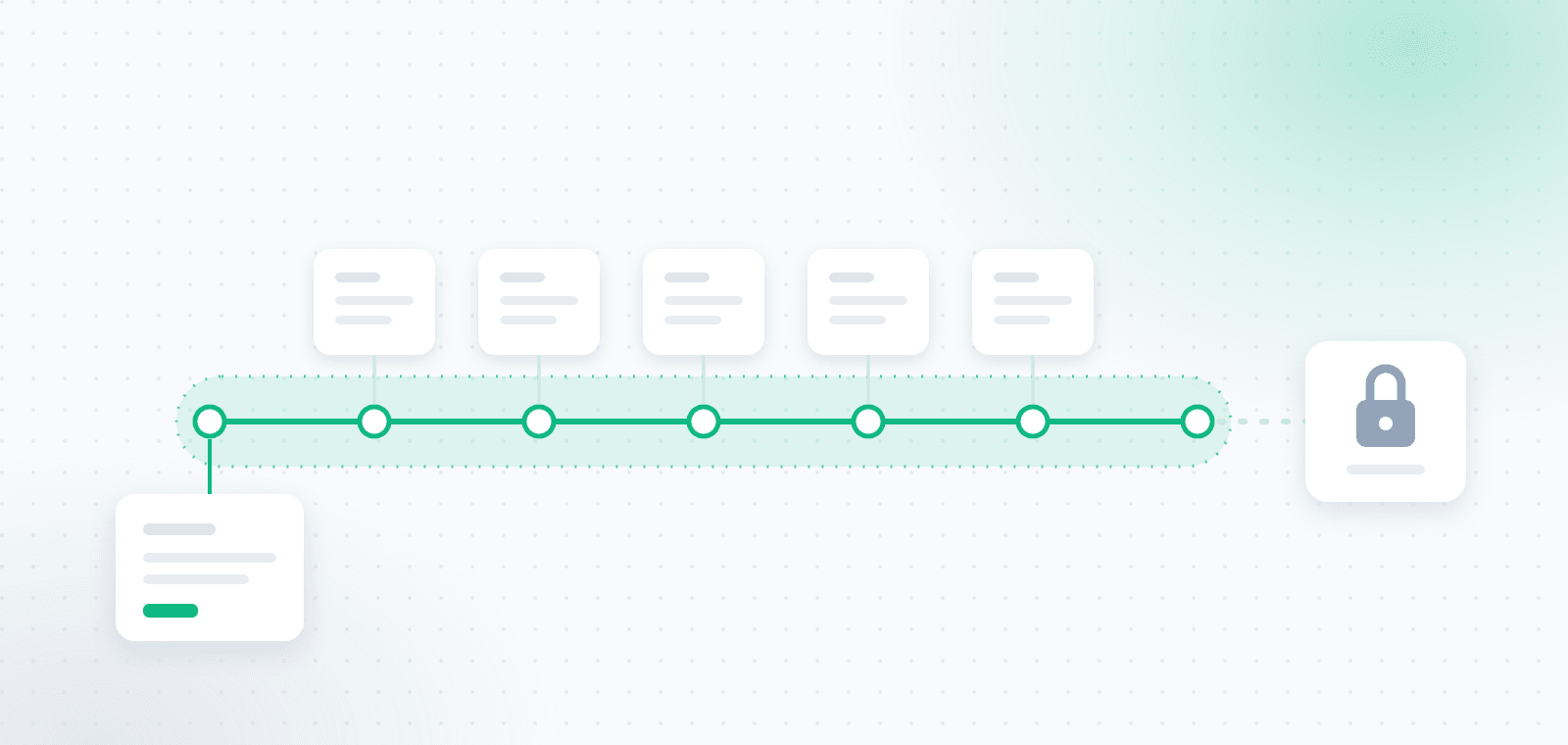
An invoice left sitting in a February WhatsApp thread and discovered in August is not an inconvenience. It is an expense whose VAT can no longer be reclaimed. For a business spending a few thousand shekels a month on suppliers and subscriptions, forgetting two or three invoices a year adds up to a number you can feel.
The six-month window runs from the invoice issue date, not from the day you found it and not from the day you paid. An invoice discovered too late is an expense that cannot be fixed retroactively without special approval.
This is exactly why continuous capture beats periodic collection. OptiPay's automatic expense capture finds every invoice in Gmail, Outlook, and WhatsApp the moment it arrives, so the six-month clock never starts running on a document nobody has seen.
Allocation numbers: the check added to the chain in 2026
Israel's invoice reform added another verification step your accountant now performs on every large invoice you pass along.
A tax invoice above the threshold, before VAT, that lacks a valid allocation number from the Tax Authority will not support an input tax deduction. The 2026 thresholds step down during the year: from 1 January 2026 the threshold is above 10,000 ILS before VAT, and from 1 June 2026 it drops to above 5,000 ILS before VAT, as detailed by Shimon Amir CPA.
The practical implication is simple: on large invoices, confirm with the vendor that the document carries an allocation number before you pass it on. An invoice bounced back for a missing allocation number means contacting the supplier, reissuing, and weeks of delay, while the six-month clock keeps running.
Five mistakes that trigger a call back
These generate most of the clarification calls, and nearly all of them take a minute to avoid.
1. Sending a credit card statement instead of an invoice
The most common one by far. The firm Amit Segal, A.S.P states plainly that a monthly credit card summary is not a substitute for an invoice. The statement proves money left the account, not what was bought or how much VAT the transaction carried.
2. Cropped or blurry photos
A document missing the invoice number, the vendor's business ID, or the VAT line will come back to you. Shoot the full document, in good light, filling the frame.
3. The same invoice through two channels
A document sent by both email and WhatsApp sometimes gets recorded twice as a duplicate expense. Bank reconciliation catches it, but only after someone has already spent time on it.
4. Sending in a trickle all month
Twenty separate emails are not twenty documents, they are twenty chances to miss one. One consolidated package always wins.
5. Assuming your accountant will fill in the gaps
Your accountant only knows something is missing when they see a charge with no document behind it. A cash expense with no receipt attached simply does not exist as far as the books are concerned.
A full pre-filing checklist for the end of the year is in our year-end accountant preparation checklist.
Do you have to keep the original documents
Yes, and for longer than most people expect. Accounting records and supporting documents must be retained for seven years from the end of the tax year they relate to.
That said, since a 2012 amendment to the Israeli income tax bookkeeping regulations, external documents such as receipts, invoices, and delivery notes may be retained via computerized scanning and stored in a digital archive, subject to the prescribed scanning conditions. In practice, a well-organized digital archive beats a binder: it is searchable, backed up, and it does not fade.
Confirm with your own accountant that your scanning and storage method meets the requirements, especially if you discard paper after scanning.
How OptiPay shortens the path to your accountant
OptiPay is built around the two pains described here: material that arrives late, and material that has to be retyped.
The system connects to Gmail and Outlook and finds invoices and receipts in the inbox, including those that arrive as a link in the email body rather than as an attachment. Invoices that come through WhatsApp are sent straight into the system, so they never stay stuck in a chat. Every document is scanned, its data extracted automatically, and the expense categorized, including the VAT component and duplicate detection.
At the end of the period, exporting a report produces the complete package: a table in Excel, PDF, or CSV alongside the source files in a ZIP, ready to send as one handoff.
For more detail, see how automatic expense tracking from email and WhatsApp works, and how automated invoice scanning removes the data entry step. OptiPay was built by Optimally, which specializes in automation and AI solutions for businesses.
Frequently asked questions
What should an expense report for an accountant include?
A summary table where every expense shows date, vendor, invoice number, amount before VAT, VAT amount, total, category, and payment method, alongside the source documents themselves as separate legible files whose names match the rows in the table.
How often should I send invoices to my accountant?
According to your VAT reporting period. A business filing bi-monthly sends every two months, a monthly filer sends every month, ideally by the 5th of the month following the period so there is room before the statutory deadline on the 15th.
What happens if I send an invoice late?
If more than six months have passed since the invoice was issued, its input tax can no longer be deducted normally, only through an amended return with special approval from the Tax Authority. Late document handoff is a financial loss, not just a delay.
Can I just send my accountant WhatsApp photos?
Technically yes, but it is the most expensive route for both sides. Photos in a chat arrive with no file names, no order, and no summary table, which forces manual entry at the office. Better to photograph the document into a system that captures it, then hand over one organized package.
Is a credit card statement enough instead of an invoice?
No. The statement evidences payment only. Claiming input VAT and recognizing the expense both require a tax invoice or receipt from the vendor.
Do I need to keep original documents after scanning?
Accounting records must be kept for seven years from the end of the tax year. Since 2012, external documents may be retained through computerized scanning in a digital archive, subject to the prescribed conditions, so confirm with your accountant that your scanning method complies before discarding paper.
Does an expense capture system replace my accountant?
No. It collects, scans, categorizes, and centralizes the documents so the material arrives ready. Filing, accounting treatment, and professional responsibility stay with your accountant or tax adviser.
In short
A good report for your accountant is not the prettiest one, it is the one that can be processed without a single follow-up. Three things make the difference: the material arrives on time, it arrives as one package with a summary table and matching source documents, and no invoice gets lost along the way.
The cost of the opposite is not only frustration. An invoice forgotten for months and found too late is VAT that can no longer be reclaimed, and nobody can fix that after the fact.
Want your material ready for your accountant every period without collecting anything by hand? Get started with OptiPay and let the system capture invoices from email and WhatsApp throughout the period. You can also review plans and pricing or continue to our business expense management guide.