Year-end is the period when a lot of business owners find themselves hunting for old invoices, combing through email, checking WhatsApp threads and trying to remember which expenses were already filed and which got lost along the way.
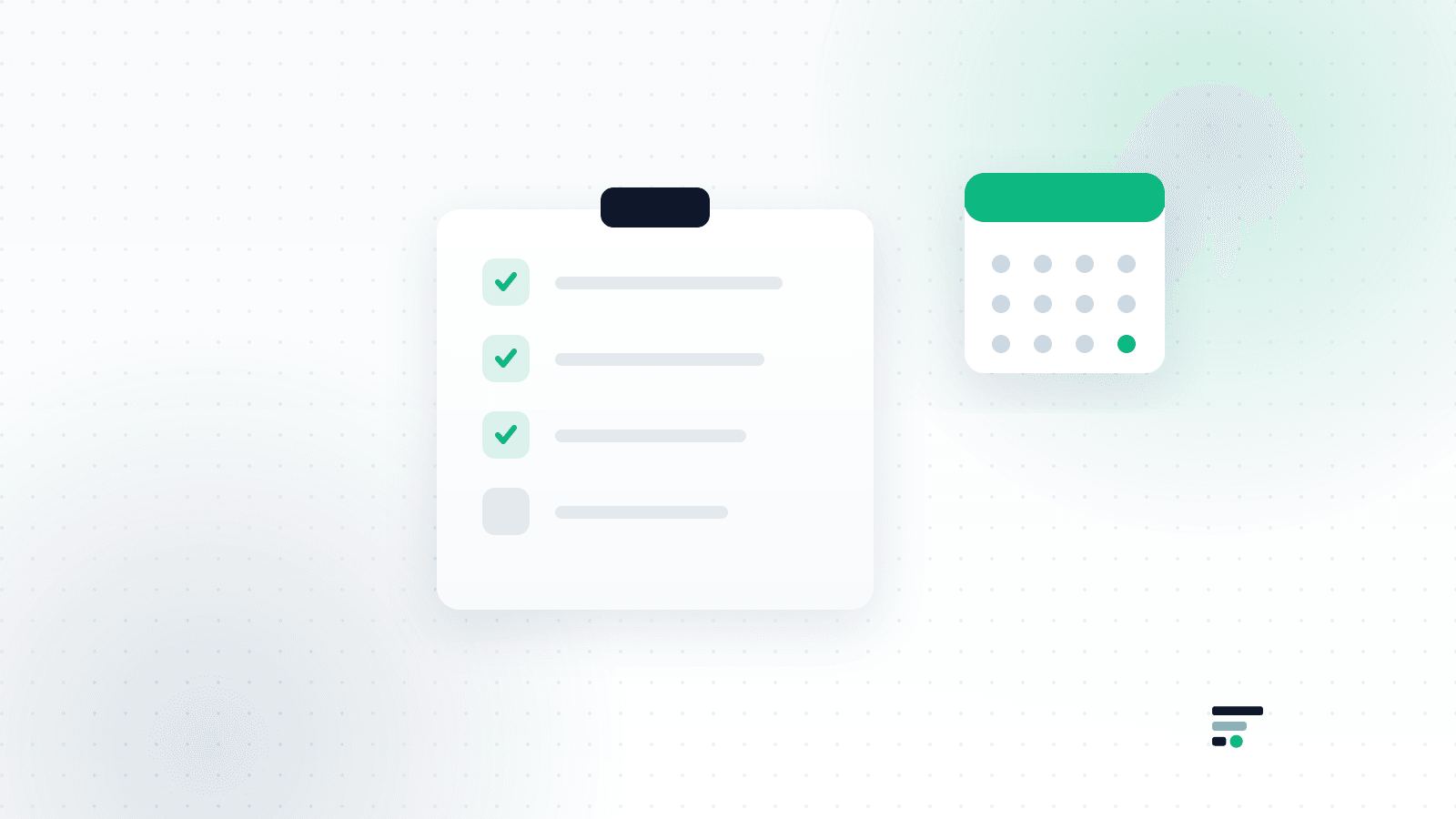
The good news is that closing the year does not have to be stressful. Work in a fixed order, go through an organized checklist, and you can have everything ready for your accountant in a few hours instead of losing entire days to searching.
If you still do not have a steady method running through the year, it is worth reading our guide on business expense management, which covers the habits that get you to year-end already prepared.
The idea: collect through the year, not at the end of it
This checklist gets far simpler if your expenses were already collected and categorized during the year.
Plenty of owners wait for December or January to start looking for documents. In practice, most of the time goes not into the bookkeeping itself, but into locating the invoices.
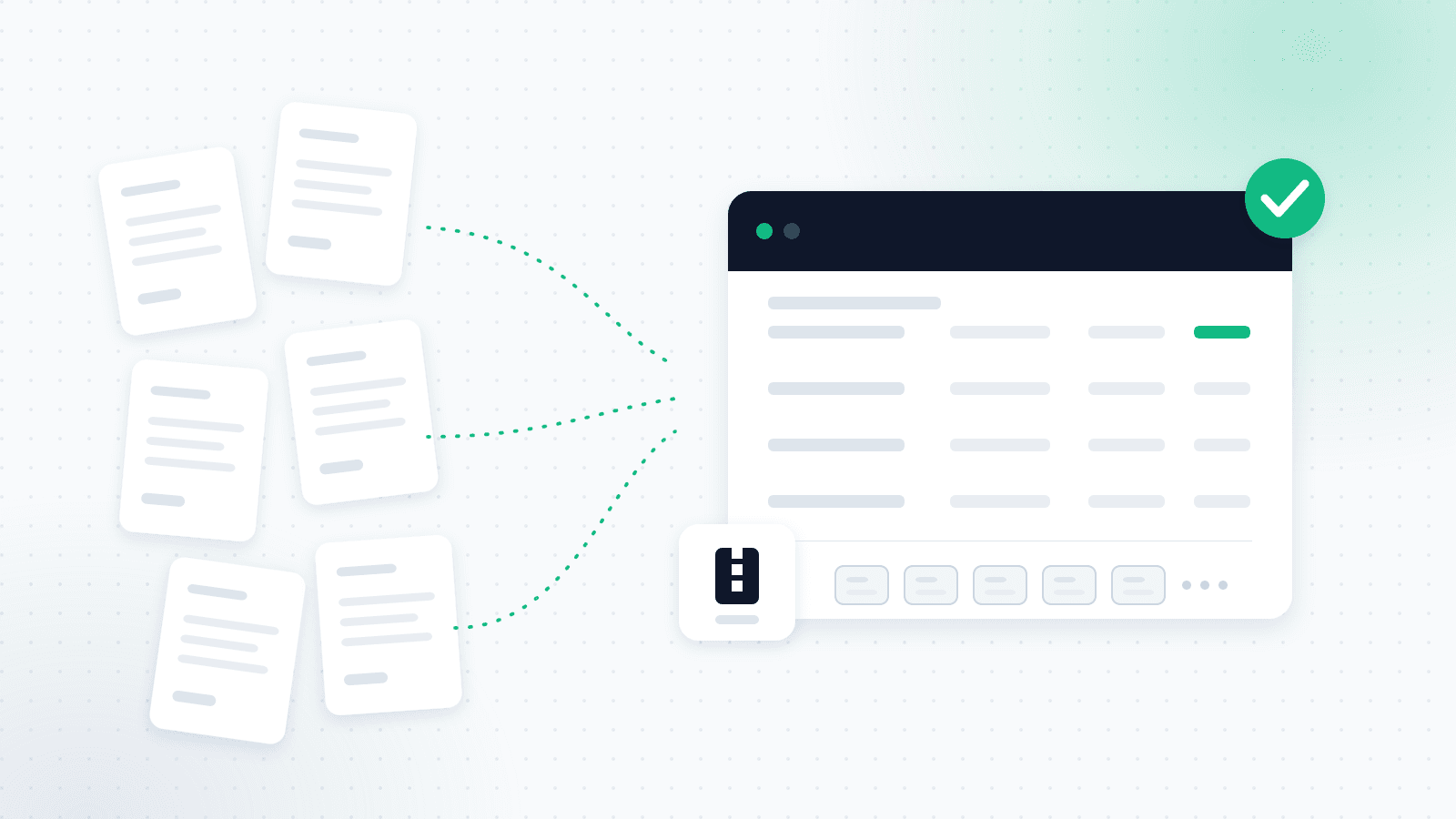
Collect expenses continuously through the year and closing it turns from a heavy task into a short review. That is exactly what OptiPay's automatic expense collection does in the background: it captures every invoice the moment it arrives, so there is nothing left to hunt for in December.
1. Collect every expense
This is the stage where the missing documents surface.
Go through every place an invoice or a receipt could be sitting:
- Tax invoices from suppliers
- Monthly subscriptions (ChatGPT, Google Workspace, Microsoft and others)
- Invoices that arrived in Gmail
- Invoices that arrived in Outlook
- Invoices sent over WhatsApp
- Photos of invoices you took on your phone
- Vehicle, fuel and travel costs
- Bank fees and payment processing fees
- One-off purchases of equipment or software
Do not forget that small expenses add up over a year too.
If some of your invoices arrive by email or as messages, it is worth reading our article on invoice scanning and automatic invoice collection. You can also connect Gmail or Outlook to OptiPay and let the system find the invoices in your inbox instead of searching for them by hand.
2. Verify that income matches
Once the expenses are in, make sure the income side is in order too.
Go through your bookkeeping system and check:
- Every invoice you issued to clients exists
- No open invoices were forgotten
- Actual income matches what is recorded in the system
- No transaction was charged without an invoice issued for it
The tidier the data, the faster and more accurate your accountant's work will be.
3. Check for completeness
This may be the most important item on the checklist.
Also make sure that:
- Every charge is linked to an invoice
- There are no duplicates
- Every expense is filed under the right category
- No document is blurry or unreadable
This check is far easier when all the documents already sit in one place. The OptiPay expense center shows every invoice by supplier, date, amount and category, and flags duplicates, so it is easy to see what is missing instead of moving between folders and inboxes.
4. Prepare the additional documents
Beyond invoices and receipts, your accountant may ask for other paperwork.
Where relevant, it is worth preparing in advance:
- Pension deposit confirmations
- Donation receipts
- Business loan documents
- Documentation for significant equipment purchases
- Rental or leasing contracts
- Documents relating to fixed assets
Not every business will be asked for all of these, but gathering them ahead of time avoids late back-and-forth.
5. Hand it over to your accountant
Once everything is ready, it is time to pass it on in an organized way.
Rather than sending dozens of files over WhatsApp or email, it is better to gather everything in one place.
Before you send, make sure that:
- Every document is readable
- There are no duplicates
- All the files are included
- An organized expense report is attached
- The material goes out with enough time before the deadline
Sending it properly saves time for you and for your accountant, and it cuts the chance of errors considerably. With OptiPay you can export an organized report for your accountant as Excel, PDF, CSV or ZIP, including the source file of every invoice, and send one file instead of dozens.
Common mistakes before you send
Even organized owners fall into the same traps. Here are a few worth avoiding:
- Waiting until the last minute
- Forgetting invoices that arrived over WhatsApp
- Not reviewing monthly subscriptions
- Sending duplicate documents
- Handing your accountant dozens of files instead of one organized report
- Assuming that if an invoice is missing, the accountant will track it down
If a lot of your work happens over WhatsApp, our guide on automating expense tracking from email and WhatsApp is worth a read. Connecting WhatsApp to OptiPay lets you photograph an invoice and send it to the AI assistant the moment you receive it, so it no longer sits in the chat until year-end.
Why starting early pays off
The earlier you start, the simpler closing the year becomes.
Your accountant receives organized material, the work moves faster, and the chance of missing a deductible expense drops considerably. Because the system also identifies the VAT amount on each invoice, the material arrives ready for the periodic filings too, not only for the annual close.
On top of that, owners who manage expenses continuously get a clearer financial picture all year, not just in December.
In short
A smooth year-end starts well before the end of December.
Work through this checklist in order and you will reach your accountant with everything required, save time, and cut the chance of missing deductible expenses.
Instead of hunting for invoices for days, you can run expense collection across the whole year. OptiPay scans invoices and receipts from Gmail, Outlook and WhatsApp, centralizes them in one place, categorizes them automatically, and exports an organized report for your accountant in one click.
Want to reach next year-end with nothing to hunt for? Get started with OptiPay and let the system collect your invoices all year. You can also check the price of expense management in the OptiPay plans or read more about automatic expense tracking and keep going with more articles on the OptiPay blog.