Every invoice collection tool promises roughly the same thing: connect your inbox, and the invoices collect themselves. That promise is almost always true. What actually differs between one system and the next is not whether it collects, but how much it collects, from where, how far back, and what happens once you pass the volume your plan included.
That gap almost never shows up in week one. It shows up in month two, when you discover the plan you bought caps you at 50 documents a month, or that the historical scan starts from the beginning of the calendar year rather than a full year back, or that invoices arriving as a link inside the email body were never picked up at all.
This guide is the checklist we wish existed before choosing. Seven criteria, each one testable inside a trial period, and each one explained in terms of what it costs you rather than how convenient it feels.
What an invoice collection system is actually supposed to do
An invoice collection system connects to the channels where your business receives expense documents, finds the invoices and receipts inside them, extracts the data from each document, and centralizes everything in one place you can export a report from for your accountant.
You will find the same category described as automatic invoice capture, an invoice capture system, or supplier invoice management. These are the same tools, and it is worth searching all of the phrasings when comparing, because different vendors describe themselves differently and you can miss a suitable system over a word.
It is worth separating it from two neighbouring categories that get confused with it in search. Invoice issuing software (Morning, iCount, Green Invoice) creates invoices for your customers, so it deals with revenue. Bookkeeping software manages the books themselves and usually sits with your accountant. An invoice collection system deals with the expense side only: it issues nothing and files nothing, it simply makes sure no expense document goes missing along the way.
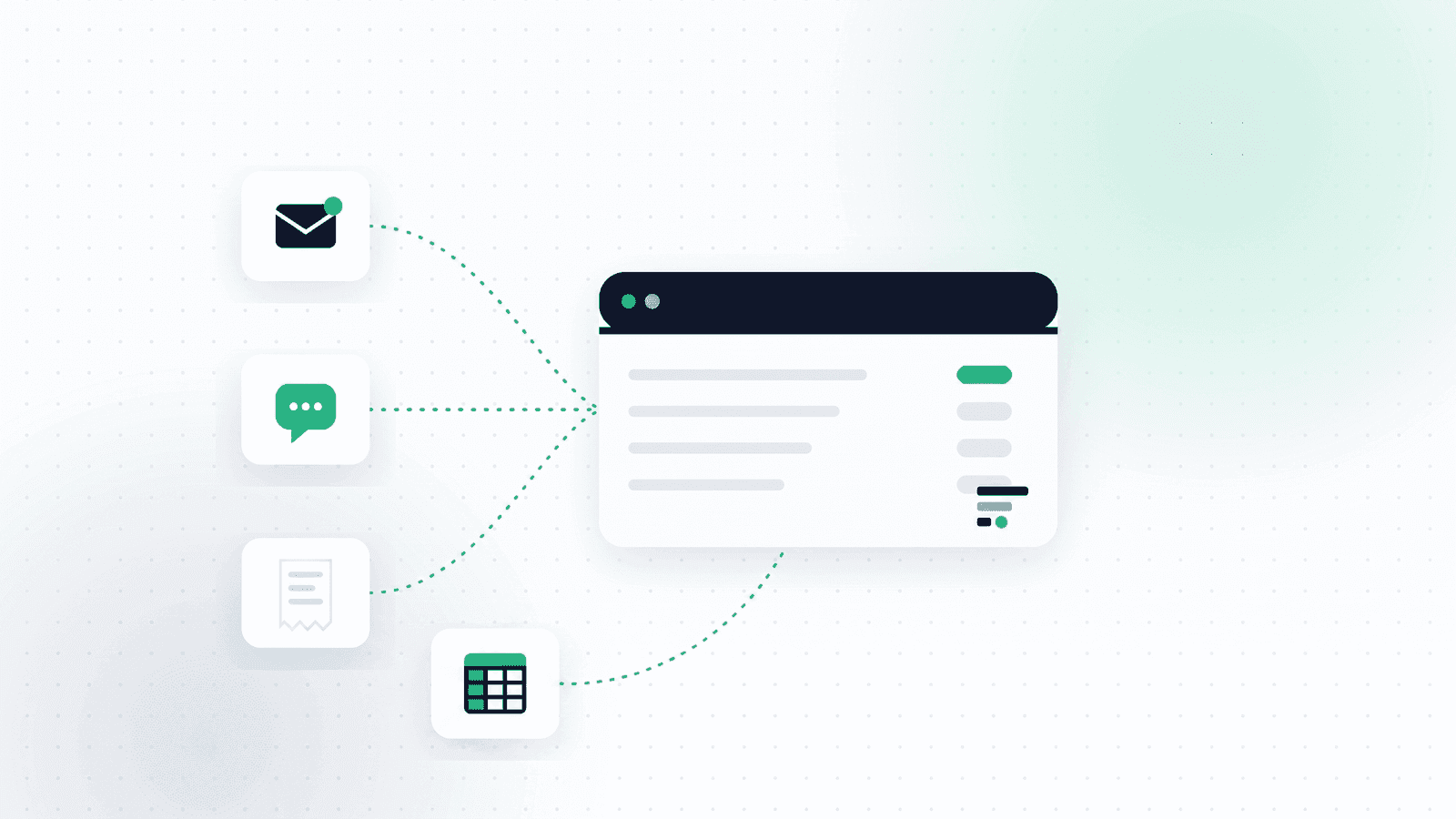
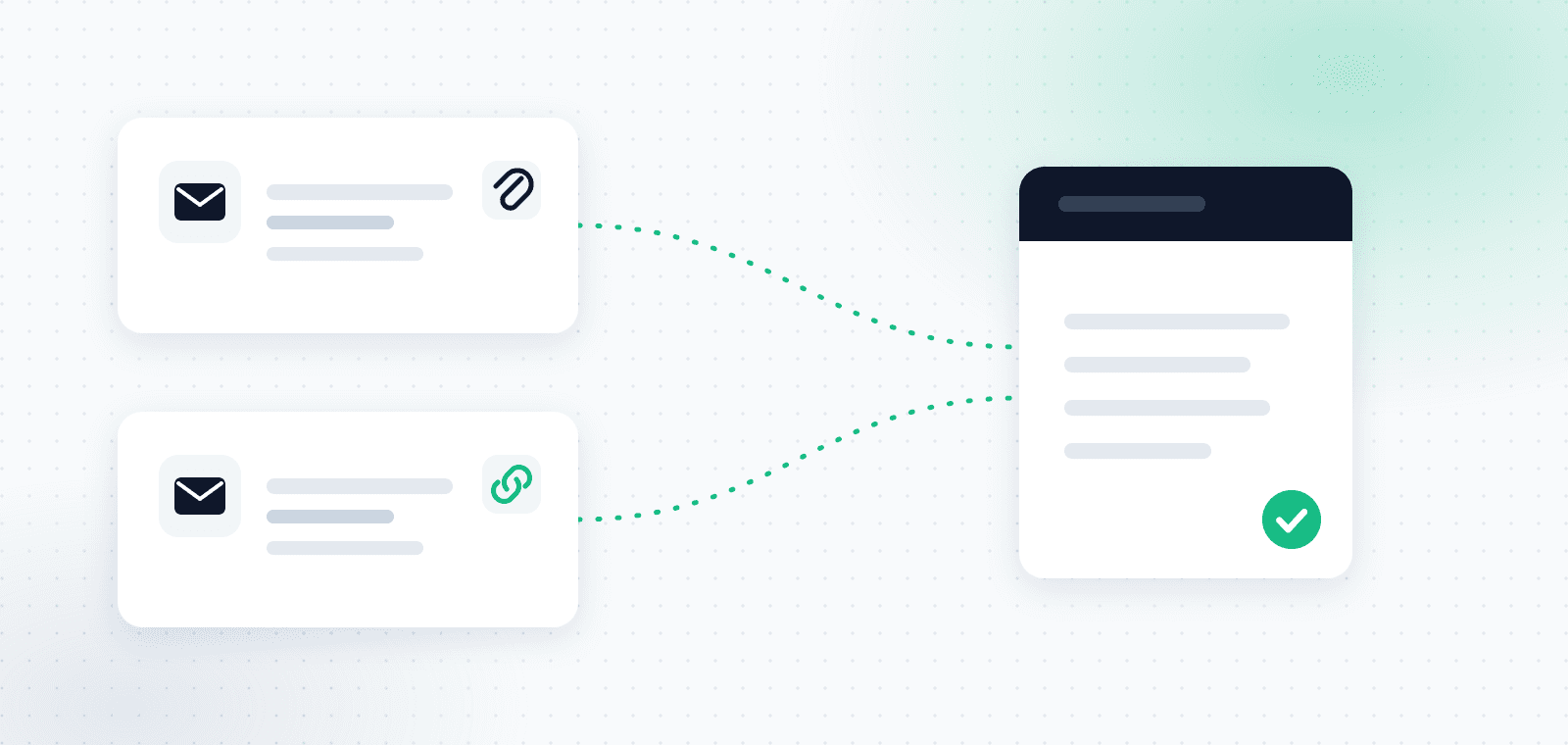
The reason this category exists at all is that documents no longer arrive from one place. Some come as a PDF attachment, some as a download link in the body of an email, some as a photo sent over WhatsApp from the field, and some just sit waiting in a supplier's customer portal. Manually rounding all of those up is precisely the work this kind of system is meant to delete.
1. Where the system actually collects from
This is the first criterion because it sets the ceiling for everything else. A system that collects from one source leaves you doing manual work in every other source, which means you saved half the time instead of all of it.
Three things to check:
- Which mail providers are supported? Gmail only, or Outlook and Microsoft 365 as well? Plenty of businesses run on Microsoft 365 and find out late that the tool only handles Gmail.
- Is WhatsApp supported, and in what form? There is a real difference between an app where you manually upload a photo and a genuine channel where you send the document into a chat and it is captured immediately.
- What happens to an invoice that arrives as a link? This is the most important check of the three, and also the easiest to run.
More and more suppliers no longer attach the invoice to the email. Instead they send a message with a "View invoice" or "Download receipt" button, and the document itself lives behind that link. A system that only scans attachments will report that everything is fine and simply never see those documents. They tend to be your recurring suppliers: cloud software, telecoms, credit card companies.
OptiPay connects to Gmail and Outlook, opens and pulls invoices that arrive as links, and treats WhatsApp as a full capture channel rather than a manual upload. The full process is covered in our guide to invoice scanning and automatic collection.
2. How far back the system scans
This question looks technical and hides a real financial decision. When you connect a system mid-year, the historical scan determines whether the invoices from the months already behind you come in or stay out.
Read the exact wording in the pricing table. There is a large difference between "from the start of the year" and "one year back". A system that scans from the start of the calendar year gives a business connecting in January a two-week scan, and a business connecting in November an eleven-month scan. Same plan, same price, completely different outcome based on when you happened to sign up.
Scan depth also varies by plan almost everywhere, and this is one of the places where the cheap plan looks identical to the expensive one until you read the fine print.
At OptiPay the historical scan depth is one year on Start, two years on Grow and four years on Business, and during the trial the last ninety days are scanned. The full values are listed on the plans and pricing page.
3. The monthly document cap
This is the limit most businesses discover late, because it is invisible in week one and very visible in week six.
Entry plans in this category are frequently capped at a number of documents per month. A cap of fifty documents a month sounds generous until you count: a small business with ten recurring suppliers, a handful of routine purchases, fuel, parking and client meals gets there easily, and in a busy month passes it mid-month.
What matters is not only the number but what happens when you cross it: do documents keep being collected but stop being processed, are they blocked entirely, or does the account automatically move up to the next plan? Three very different behaviours, and only one of them does not surprise you at the end of the month.
It is also worth asking whether the cap applies to documents captured or documents put through AI data extraction. That distinction changes the effective number, especially in a business that receives a lot of marketing email the system inspects and discards.
4. Limits on users, devices and inboxes
Four separate limits that tend to blur together:
| What is limited | Why it matters | What to ask |
|---|---|---|
| Number of inboxes | A typical business has a personal inbox and an info inbox at minimum | Can more than one inbox be connected, and on which plan |
| Number of users | A partner, a bookkeeper or an employee who needs access | How many users are included, and what an extra user costs |
| WhatsApp devices | Field staff sending photos from their own phones | Is the limit per phone number or per device |
| Scan depth for an added inbox | A second inbox is not always scanned as far back as the first | What the historical window is for an inbox added later |
That last row is the easiest one to miss. Even where a second inbox is allowed, its historical window is usually shorter than the first inbox's. At OptiPay, for example, an additional inbox is scanned three months back on Grow and six months back on Business, while the first inbox gets the plan's full window. An additional inbox can be extended to that full window for a one-off ₪49 on Grow or ₪79 on Business, before VAT.
5. What actually comes out at the end for your accountant
An invoice collection system is ultimately judged on one thing: what you can get out of it and send onward. If you are still manually arranging files before sending at the end of the period, the system did half the job.
A report your accountant can absorb without coming back with questions has two parts: a summary table where every row carries a date, supplier, invoice number, pre-VAT amount, the VAT component, total and category, and alongside it the source documents themselves as separate files whose names match the rows in the table. A table without the documents is not enough for an audit, and documents without a table force manual typing at the accountant's office.
So check which formats are genuinely supported, not just that an "export" button exists. Excel and CSV for the table, PDF for a report sent as-is, and ZIP to bundle the source files. OptiPay offers all four, with CSV, Excel and PDF included from the Start plan and ZIP opening up on Grow. We covered how the package should be structured in the guide to expense reports for your accountant.
One more question worth asking: does the system detect duplicates? The same invoice that arrived both by email and as a WhatsApp photo is counted twice in the report if nothing filters it out, and that is exactly the kind of error your accountant finds and sends back to you.
6. The pricing model and the trial period
In this category, the difference between the advertised price and what you actually pay almost always comes from the same three places:
- Monthly versus annual. The large number on the page is usually the price under an annual commitment. Paying month to month with no commitment costs more, sometimes by a third.
- The plan you actually need. If the caps in sections 3 and 4 are not enough for you, the relevant price is the next plan up, not the entry plan.
- The trial length and what it requires. A seven-day trial is enough to see that the system switches on, but not enough to watch a full month of work go through it. Some tools also ask for a credit card up front, which turns the trial into a subscription you have to remember to cancel.
The genuinely useful calculation is not "what does it cost" but "what does it cost on the plan that survives a busy month, paid monthly, after the trial ends". That is the number you actually pay.
At OptiPay the trial is a full thirty days with no credit card up front, and the monthly prices are ₪39 for Start, ₪99 for Grow and ₪199 for Business, before VAT, the norm in this category.
7. Permissions, security, and what the system sees in your inbox
This criterion comes last on most people's lists, and it should not. You are about to give an external system read access to your business inbox, which means everything in it and not only the invoices.
Four things to verify before connecting:
- Google and Microsoft verification. An app that accesses Gmail goes through Google's verification process, and an app that accesses Microsoft 365 goes through publisher verification. The permissions screen will tell you whether the app is verified.
- External security assessment. Google requires apps handling sensitive Gmail data to pass a third-party security assessment (CASA). That is not marketing, it is a prerequisite.
- Limited Use policy. What happens to the data beyond running the service itself: is it sold, used for advertising, or used to train models.
- Encryption and deletion. Is data encrypted in transit and at rest, and what happens to it when you disconnect or close the account.
OptiPay has passed a CASA Tier 2 external security assessment, is verified by Google and as a publisher by Microsoft, encrypts in transit and at rest, and operates under a Limited Use policy with no data selling, no advertising and no model training. You can read exactly which permissions are requested and why on the Gmail data and privacy page, and the details on the security page.
The checklist, in one table
Take this into a trial period and tick it off yourself:
| # | What to check | The practical test |
|---|---|---|
| 1 | Collection sources | Send an invoice that arrived as a link and confirm it was captured |
| 2 | Historical scan depth | Search for an invoice from six months ago and see whether it is there |
| 3 | Monthly document cap | Ask exactly what happens when you cross it |
| 4 | Inboxes, users and devices | Try connecting a second inbox and check its window |
| 5 | Export format | Export a report and send it to your accountant to review |
| 6 | Real cost | Calculate the plan you need, paid monthly |
| 7 | Permissions and security | Read the permissions screen before approving it |
Frequently asked questions
What is the difference between an invoice collection system and invoicing software?
A collection system deals with expenses: it finds and centralizes invoices you received from suppliers. Invoicing software deals with revenue: it issues invoices to your customers. Most businesses need both, and neither replaces the other.
What is the difference between invoice capture and invoice collection?
There is no substantive difference, they are two names for the same category. "Collection" emphasizes finding the documents in your sources, while "capture" emphasizes the point where the document enters the system and its data is extracted. Some vendors describe themselves as an invoice capture system and others as an invoice collection system, so search both phrasings when comparing.
How do you manage supplier invoices without typing each one in?
You connect the sources the invoices arrive through, usually the inbox and WhatsApp, and let the system identify the document and extract the supplier, date, amount and VAT component from it. Manual entry is then only needed for invoices that came in on paper or from a source you have not connected.
Does an invoice collection system replace my accountant?
No. It collects, scans, categorizes and prepares the material so it arrives in order. The filing, the accounting treatment and the professional responsibility stay with your accountant or tax adviser.
How long does it take to connect one?
Connecting the inbox itself takes a few minutes and happens through Google's or Microsoft's permissions screen. What takes time is the first historical scan, which runs anywhere from minutes to hours depending on how much mail is in the inbox and how deep the window is.
What happens to invoices that arrive on WhatsApp?
It depends on the system. Some only allow manually uploading a photo through an app, while others offer a real channel where you send the photo into a chat and the document is captured and processed immediately. The difference shows up most when you have field staff sending receipts from the road.
Do I need to keep the original invoices after scanning?
In Israel, accounting records and documents must be kept for seven years from the end of the relevant tax year. Since 2012 external documents may be kept as computer scans in a digital archive, subject to the scanning conditions set out in the regulations, so confirm with your accountant that your method meets them before throwing out paper.
What should I compare first between two systems?
The collection sources and the monthly cap. Those two determine whether the system fits your business at all. Everything else, price included, only becomes relevant once the answer to both is yes.
In short
The difference between invoice collection systems is almost never on the homepage. It is in the small print: where it collects from, how far back, how many documents a month, and what comes out at the end for your accountant.
The only way to really test that is to connect your actual inbox, not a demo account, and let the system run across a full month of work. A trial that is too short does not let you do that, which is exactly why the trial length is worth checking before you start.
Want to run all seven checks on your own inbox? Get started with OptiPay with a thirty-day trial and no credit card, or look through the plans and pricing first. You can also continue to the business expense management guide. OptiPay is built by Optimally, which specializes in automation and AI solutions for businesses.