Most businesses looking into expense management automation find the same thing: every tool they try is strong on one side of the books and weak on the other. That is not bad luck or a gap in the market. It follows from the direction each type of document travels before it ever reaches you.
Why no system automates both halves of your books
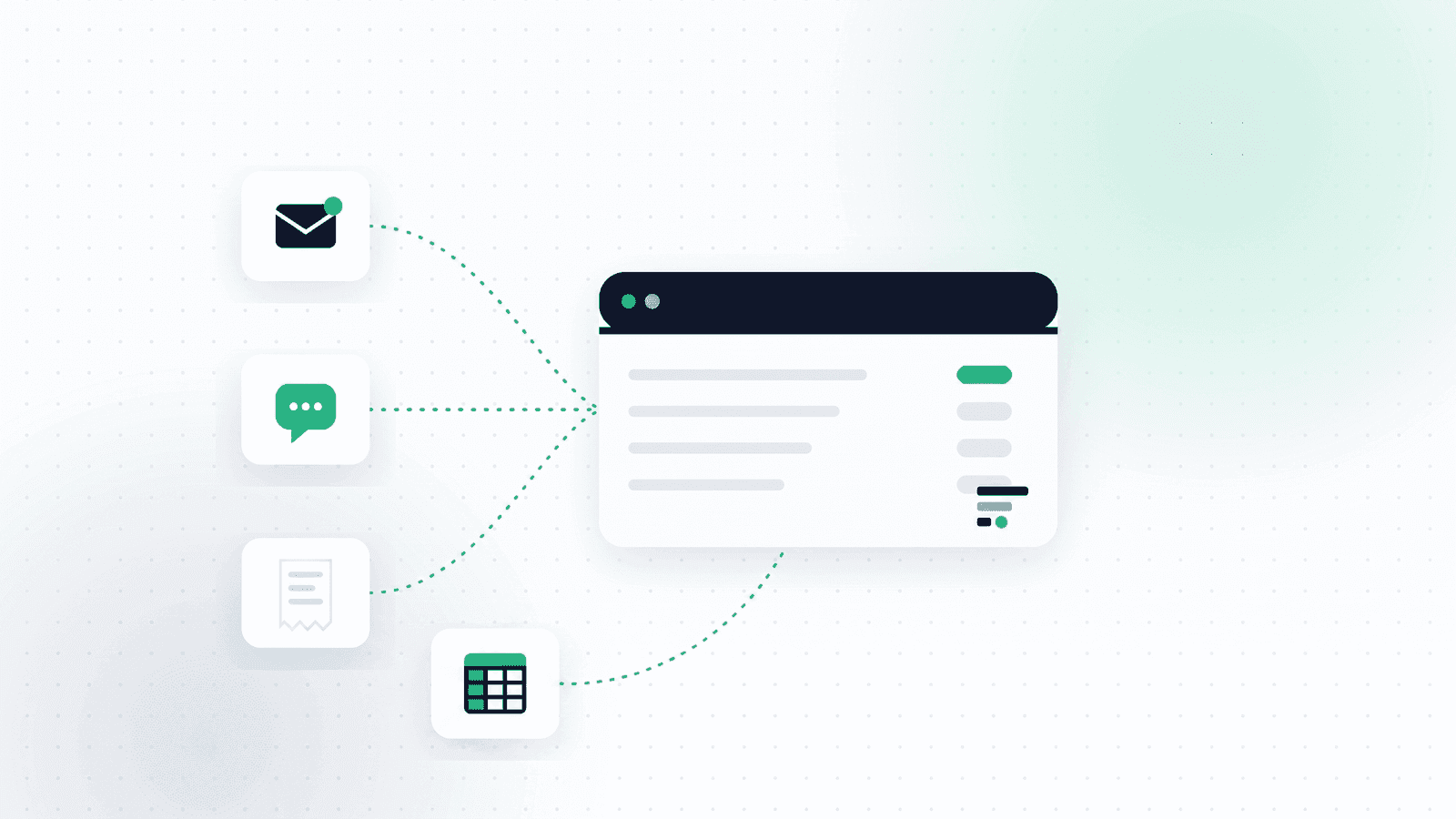
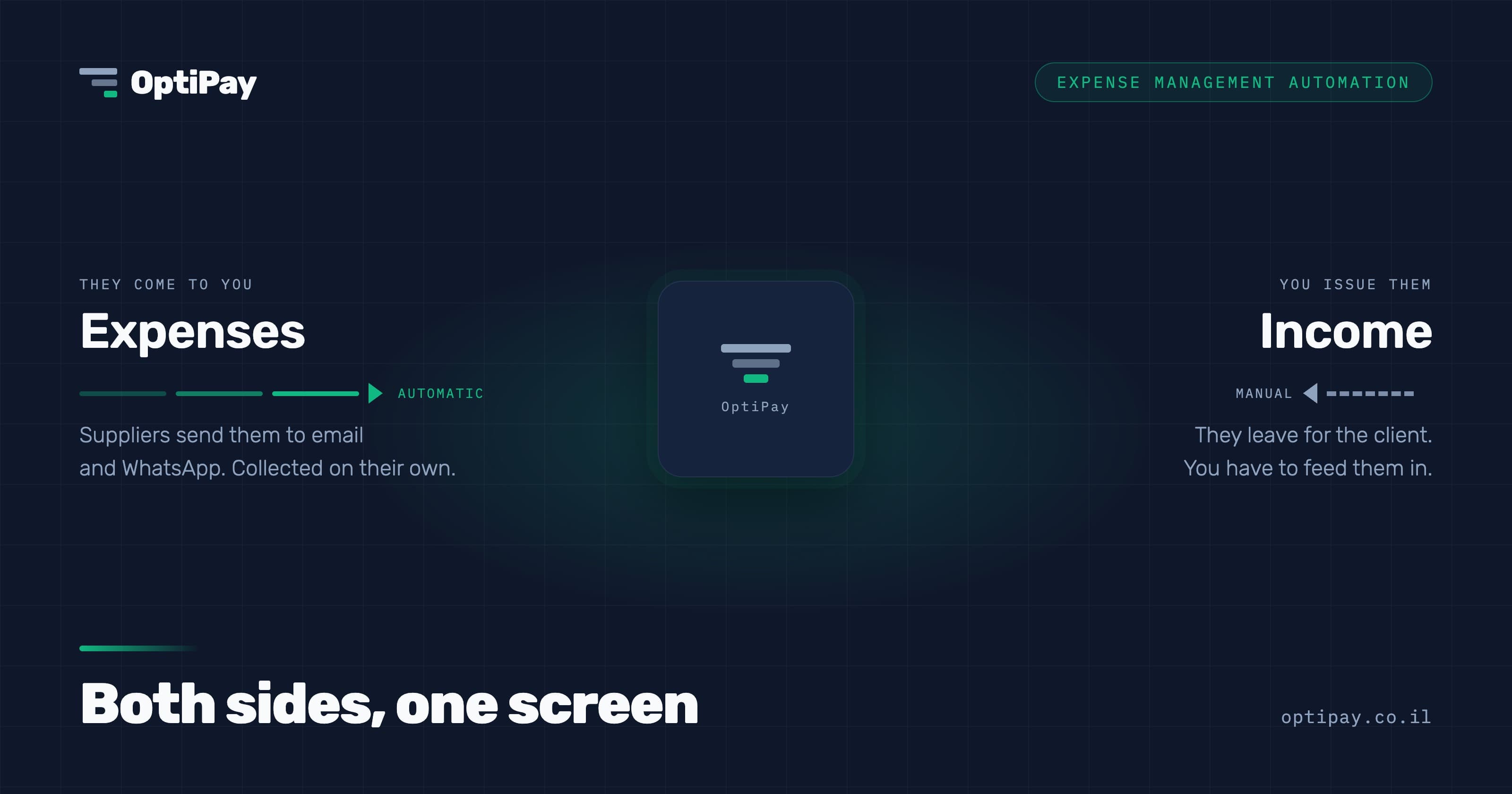
Expenses arrive on their own. A supplier emails an invoice, the payment processor sends a monthly statement, someone drops a receipt into WhatsApp. You do not create those documents, you receive them. That is exactly why they can be collected automatically: a channel already exists, and the documents are already moving through it.
Income works in reverse. You issue the tax invoice to your customer. It never lands in any inbox of yours, because it leaves. There is no incoming channel to scan and nothing to connect. Unless you feed the system what you issued, it has no way to know money came in.
That is not a limit of the technology, it is a limit of direction. Anyone promising a complete financial picture on full autopilot, without explaining where the income side comes from, is selling you half the story.
What each type of tool actually does
| Tool type | Income | Expenses |
|---|---|---|
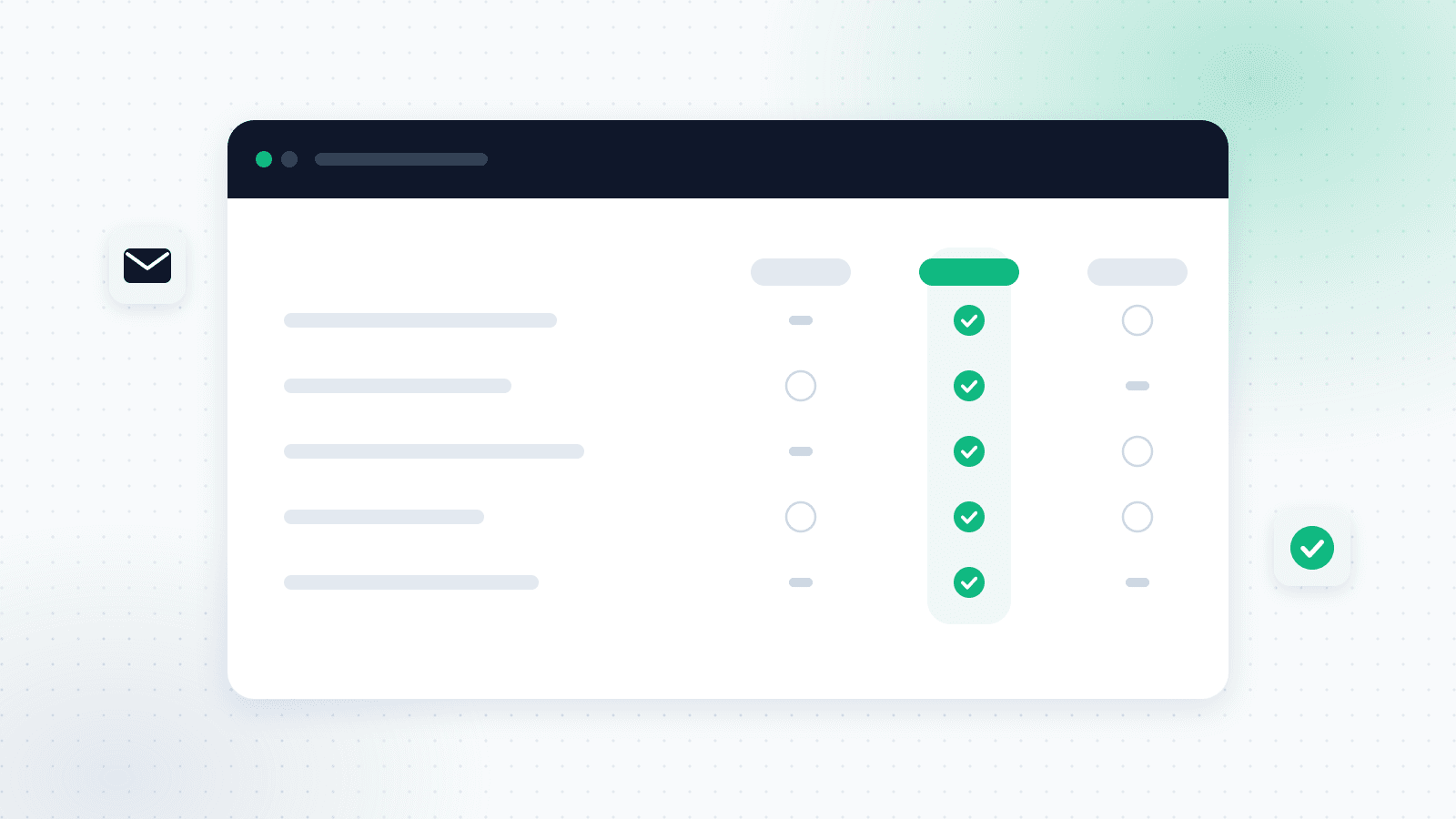
| Invoicing software (QuickBooks, Xero, and local equivalents) | Recorded on its own, you issue from there | Keyed in by hand |
| Expense collection tool | Keyed in by hand | Collected on its own from email and WhatsApp |
| Spreadsheet | Manual | Manual |
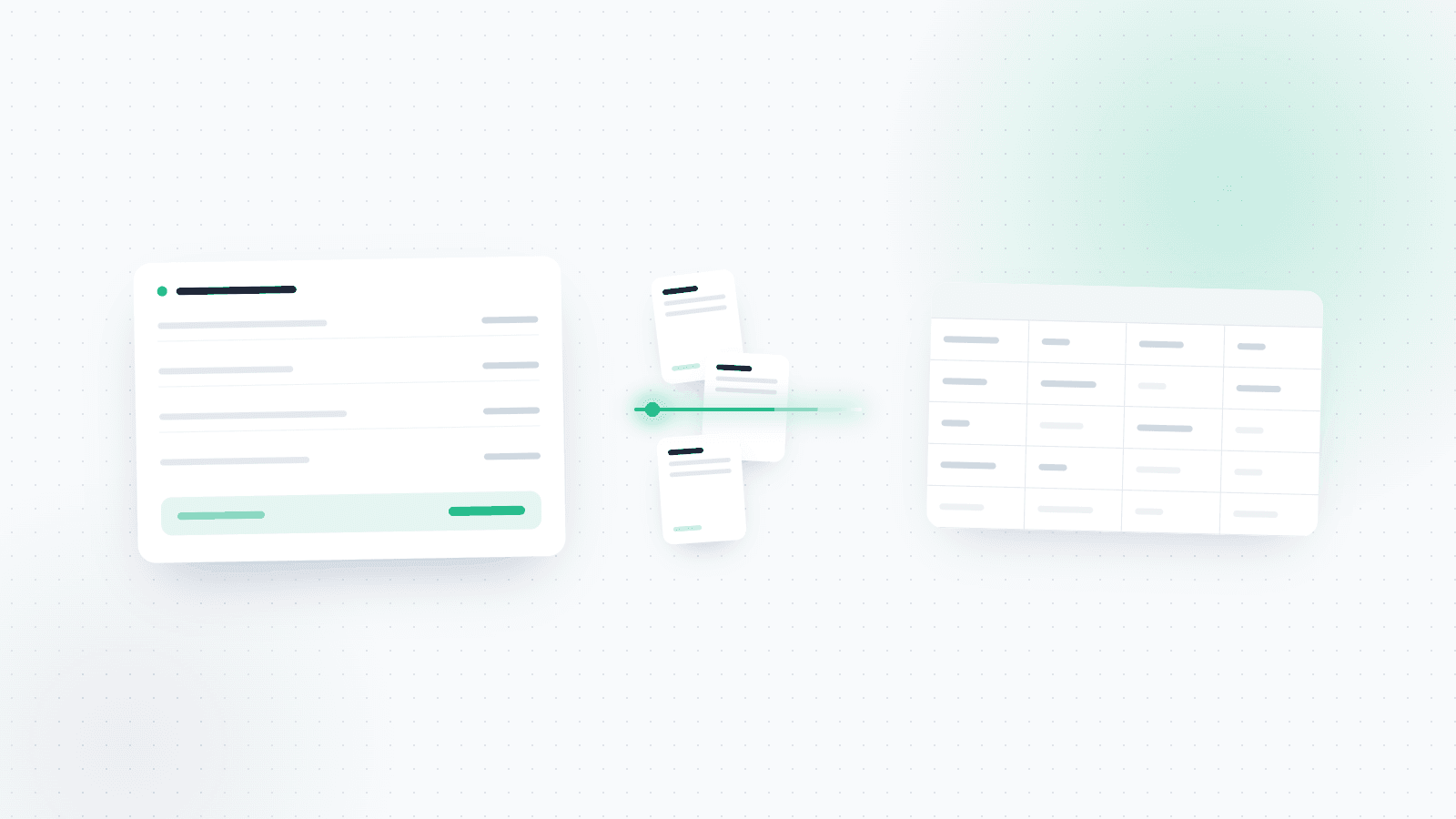
Invoicing software knows precisely what you earned, because it produced the document. Ask it what you spent and it returns what someone typed in, nothing more. An expense collection tool knows precisely what went out, because the documents pass through it. It cannot see your income until you show it.
Neither is lying. Each was built to solve the side it can see. If you are comparing tools right now, it is worth reading about when expense management software beats a spreadsheet, because the same question surfaces at exactly this point.
The two types also work well together rather than one instead of the other. The invoicing system holds the income side, the collection tool holds the expense side, and OptiPay exports to your bookkeeping so both meet in one place.
What expense management automation can actually reach
The practical rule is simple: let the side that comes to you collect itself, and spend your only manual effort on the side that leaves you. That is what turns hours at month end into minutes mid month.
Connect the expense side once. Connect your Gmail or Outlook inbox and WhatsApp, and documents start arriving on their own. The first scan also runs over your history, so you are not starting from an empty page, and every connected inbox stays in sync from there. That side is covered in depth in the guide to invoice scanning and automatic collection, and on the integrations page, which explains which channels the documents come through.
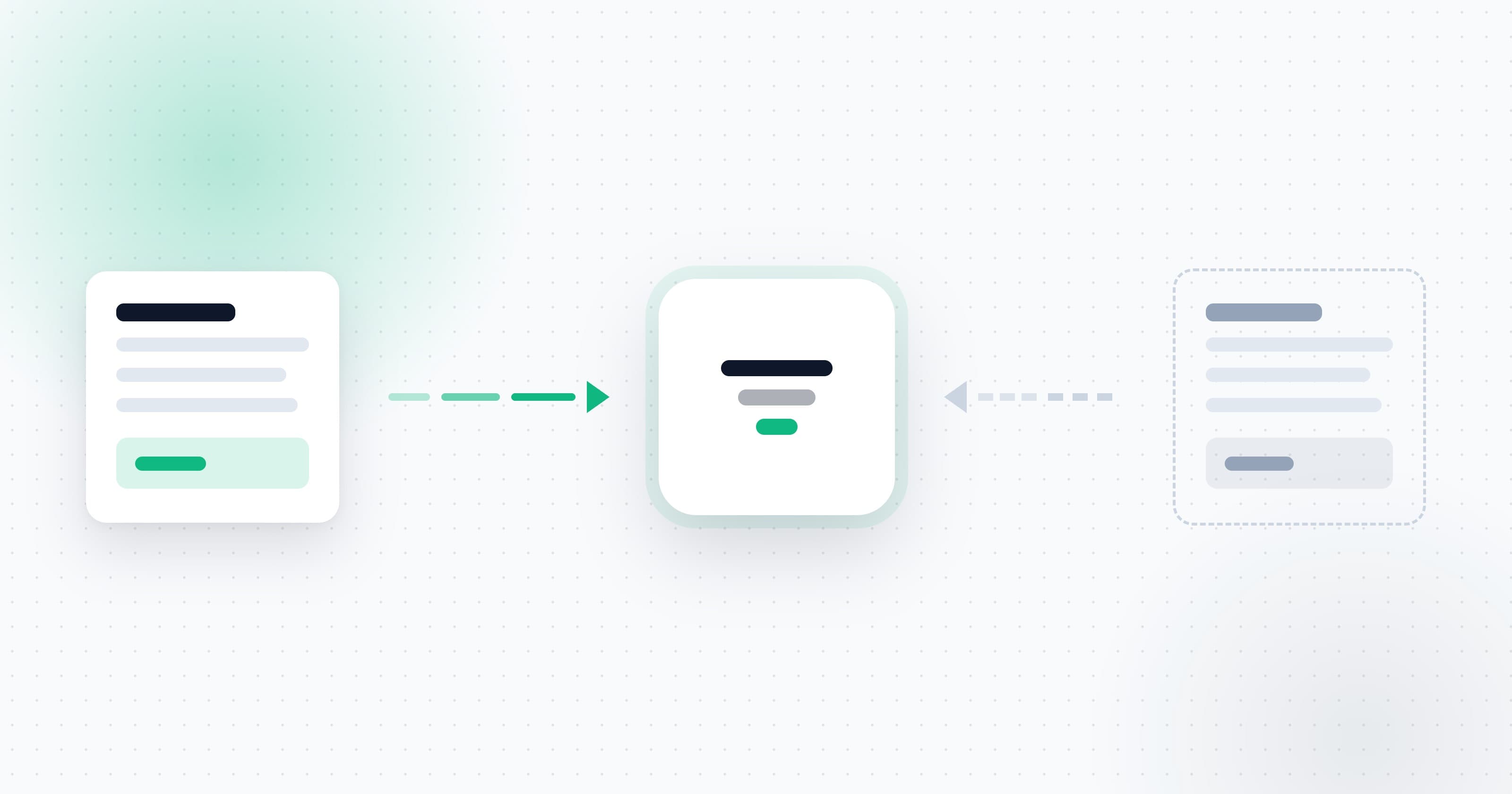
Feed the income side in. The invoices you issued to clients can be uploaded or forwarded to a connected inbox. In OptiPay you enter your business tax number once in settings, and the system recognises on its own that an invoice carrying your number as the issuer is income rather than an expense. Without that number it has no way to tell them apart, because on paper the two look identical: same format, same fields, same amount.
Then read both sides together. The ledger has a switch between expenses, income and everything at once, plus a separate income and credits category. Once both halves sit on one screen the question changes: not how much did I burn this month, but how much did I keep.
Why the gap shows up at month end
A business that sees only its expenses knows how much money went out. It does not know whether it made any.
That sounds obvious until a VAT filing is due and the numbers refuse to reconcile, or your accountant asks for both sides and a search begins. Most month-end mess is not missing data. It is data sitting in two places that nobody reconciled. If you want to see what a clean handover looks like, there is a separate guide on expense reports for your accountant.
It is also the real reason spreadsheets break. An expense sheet works fine and can run for years. The moment you try to run income through it too, you are reconciling two sources that arrive at different speeds, in different formats, on dates that do not line up. The sheet does not collapse under the number of rows. It collapses under the number of manual reconciliations nobody has time to finish.
What one month looks like
Take a freelancer registered as an osek murshe who issues four invoices to clients and receives thirty two from suppliers, covering hosting, payment processing, software subscriptions and fuel.
The thirty two expenses arrive by themselves. They already come to email and WhatsApp, and once the inbox is connected they are collected and categorised without anyone touching them. The four income documents need one action: upload or forward the invoices that were issued.
That ratio is the whole point. Eighty eight percent of the documents are handled automatically, and the manual effort shrinks to four files a month. That is the difference between a month end that costs an evening and one that costs a few minutes.
What to check before choosing a tool
Before paying for anything, ask these four questions. They separate tools that fit you from tools that do not, quickly.
- Which side causes most of your pain? If you issue three invoices a month and receive forty, the painful side is expenses. If it is the other way round, start with invoicing software.
- What happens to the other side? Ask explicitly how the side the tool is weak on gets in. If there is no clear answer, it will not get in.
- How does the system tell an invoice you issued from one you received? With no recognition mechanism, somebody classifies every document by hand.
- What comes out at the end for your accountant? A tidy file with both sides, or a pile to work through.
For a longer checklist there is a guide on choosing an invoice collection system. And if you already know what you need, the pricing page shows what each plan includes.
FAQ
What is expense management?
Expense management is how a business captures, categorises and reports the money it spends: collecting the documents, sorting them into categories, and producing something an accountant or a tax authority can work with. Expense management automation removes the manual capture step for documents that already arrive through an existing channel such as email.
Can one system handle both income and expenses?
Yes, but it is worth knowing in advance that every system is strong on one side. Invoicing tools are strong on income, collection tools are strong on expenses. The practical answer is to choose based on the side that costs you more time, and feed the other side into it.
How does the system know an invoice is income and not an expense?
By your business tax number. An invoice you issued carries your number as the issuer of the document. In OptiPay you enter it once in settings, and recognition is automatic for every document that arrives after that.
Is income collected automatically the way expenses are?
No, and that is deliberate. An invoice you issued leaves your business and never arrives in any inbox of yours, so there is nothing to collect it from. It has to be uploaded or forwarded to a connected inbox, and categorisation is automatic from there.
How is this different from bookkeeping?
Bookkeeping is the formal filing, and responsibility for it stays with your accountant. Managing income and expenses is a management tool: seeing during the month what came in and what went out, so you can make decisions in time rather than only report after the fact.
How long does it take to start?
Connecting an inbox takes a few minutes and the first scan runs in the background. The income side needs you to enter your tax number once and upload the invoices you issued, and from there it is part of the routine rather than a project.