There is one kind of invoice that goes missing more reliably than any other, and most business owners do not know it exists as a category. It is not the receipt lost in a pile of paper, and not the photo forgotten in a chat thread. It is an invoice sitting in your inbox right now, intact and perfectly readable, that never made it into your books.
The reason is simple: it did not arrive as an attachment, it arrived as a link. The email says "click here to view your invoice", and the document itself stays on the vendor's server. A tool that scans the inbox looking for attached files finds nothing and marks the message irrelevant. The document exists. It is just one step past where anything looked for it.
Why do vendors send a link instead of the file?
Because from their side it is the better design, and for good reasons. The invoice is generated in their billing system and stays there, so the version you see is always current. The email stays small and is less likely to be filtered. They can also tell who opened the document and when.
None of those reasons are wrong. They were simply written from the sender's point of view, not from the point of view of someone who has to gather two hundred of these before a filing deadline.
Which vendors do this?
This is not one odd vendor. Four whole categories work this way by default:
| Category | Typical senders | How it arrives |
|---|---|---|
| Utilities and telecom | Electricity, water, mobile and broadband providers | A notice with a link to your account portal |
| Card issuers and payments | Credit card issuers, banks, PayPal, Stripe | A charge alert linking to the statement or receipt |
| SaaS and subscriptions | Microsoft 365, Google Workspace, AWS, project tools | An automatic monthly charge with a link to the invoice |
| Small vendors and contractors | Studios, garages, consultants, freelancers | Issued through invoicing software that sends a view link |
Notice what the first and third rows have in common: these are recurring charges. So a link invoice that goes missing does not go missing once. It goes missing twelve times a year, from the same vendor, for the same amount.
Why do most tools miss them?
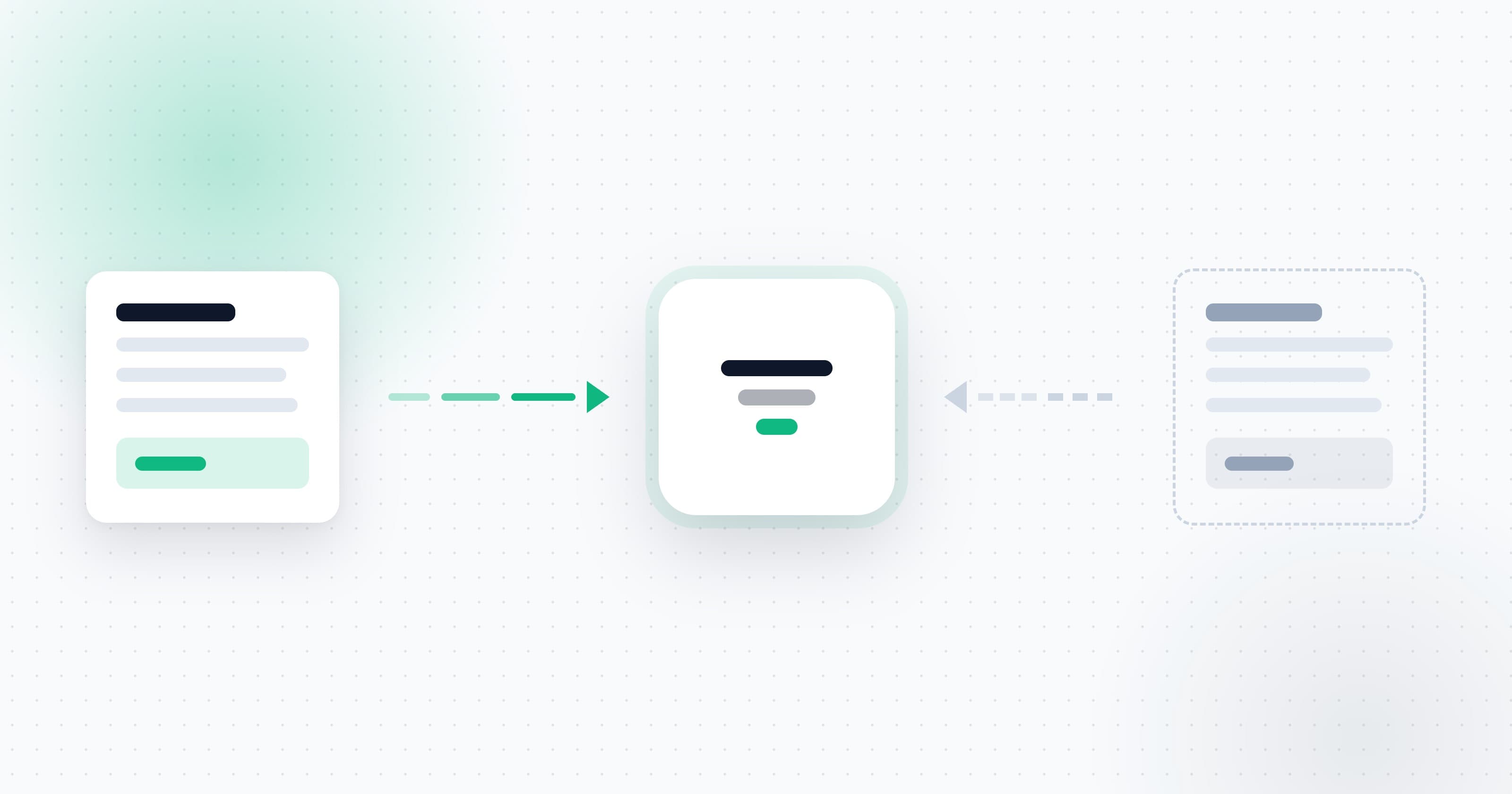
Because they are built around one assumption: that an invoice is a file. The tool connects to the mailbox, walks the messages, and for each one asks whether there is an attachment that looks like an invoice. If the answer is no, the message is finished as far as it is concerned.
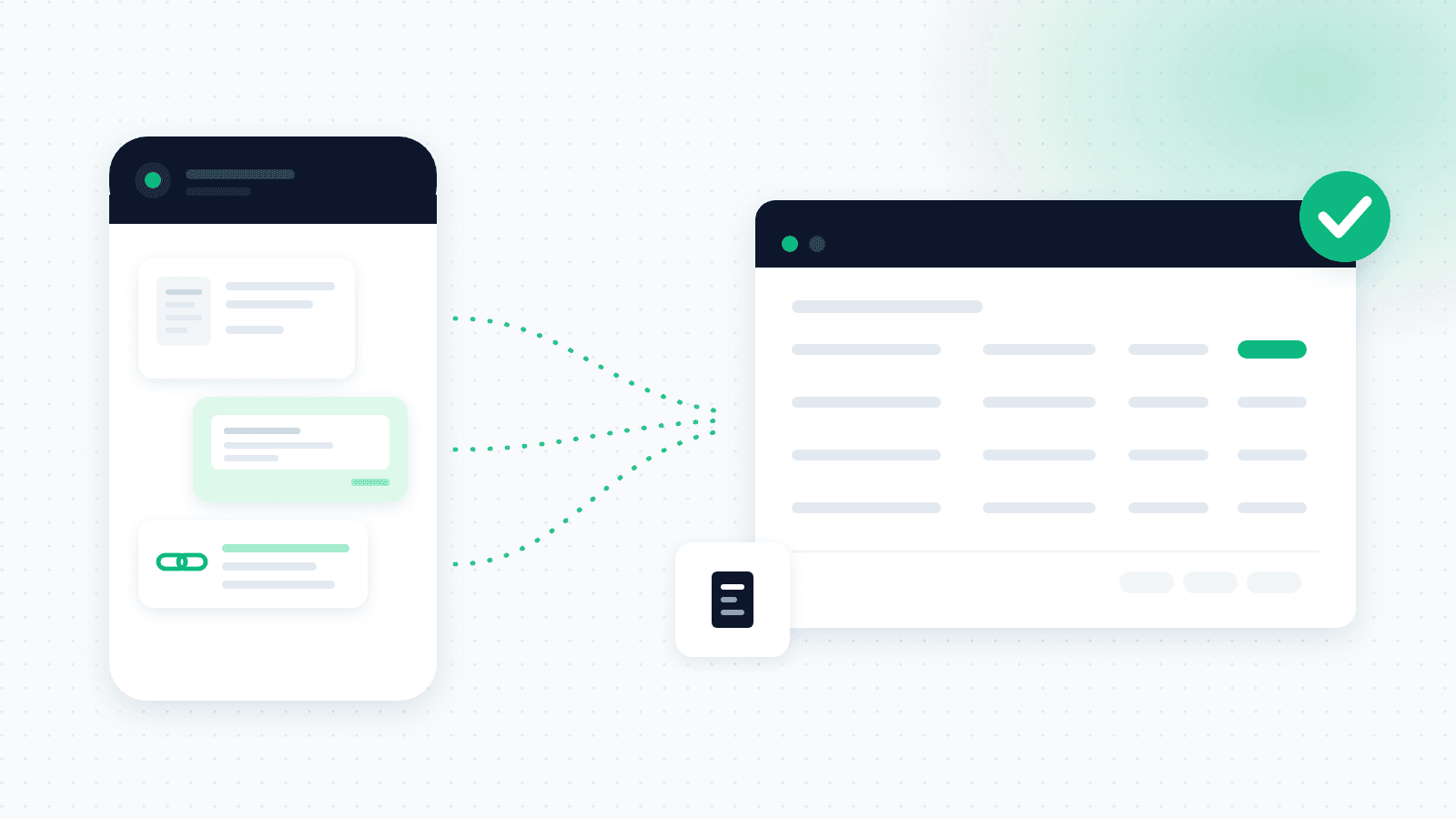
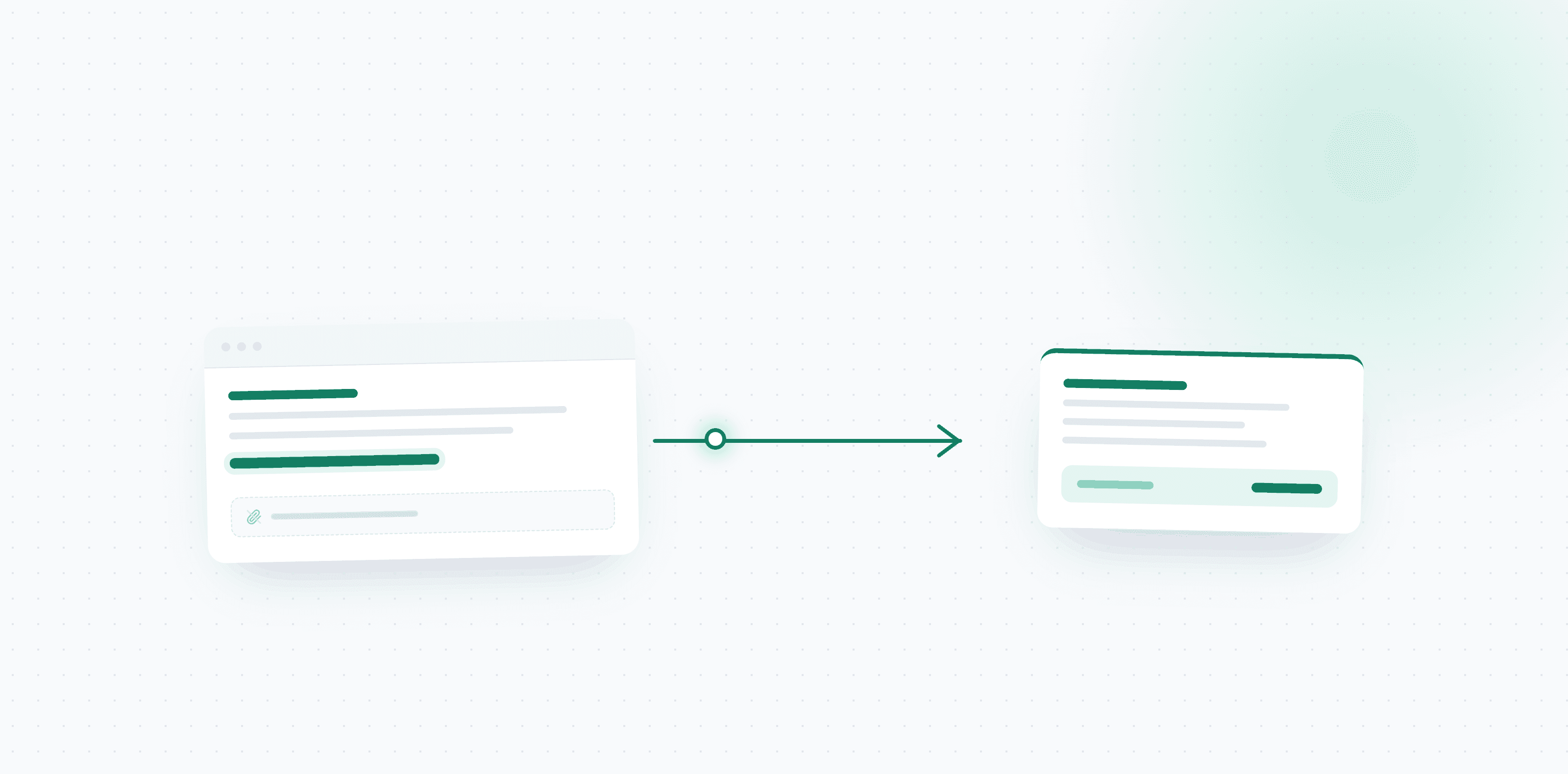
Capturing a document that arrives as a link takes something different. It means recognizing that a message is about an invoice despite having no attachment, working out which of the links in the body leads to the document rather than to a newsletter or an unsubscribe page, opening it, and handling whatever is on the other side, which is sometimes a PDF and sometimes an HTML page with the document embedded in it.
That is an architectural difference, not a settings one. A tool that was not built for it will not close the gap in a release note.
The problem that gets worse with time: expired links
Some vendors time-limit the link. Others require a login to reach the document at all. While you are inside that window everything is fine. The trouble starts when you discover the gap late.
Which is exactly what happens, because the gap gets discovered at the end of the period, sitting with an accountant. By then some of the links no longer work, and the expense has gone from a document you can pull to a document you have to ask the vendor to reissue. Sometimes they will. Sometimes they will not. It always costs time.
The practical conclusion is not to search harder at month end. It is to move the point of collection. The document has to be pulled and stored the moment the email arrives, not when you go looking for it. Once your own copy is saved, an expired link stops mattering.
What about the ones you have already missed?
The first question after understanding the problem is how much has already gone. There is an answer, and it does not require going through the inbox by hand.
A system that can scan backwards will walk your history, identify the messages that carried an invoice link, and pull the documents that are still reachable. What it surfaces is usually the number that settles the argument: not the large expenses, but those steady monthly charges from a utility or a subscription that recurred every month and never once landed in the books.
Anything no longer reachable, because the link has expired, has to be requested from the vendor. That is tedious, but it is a one-time cost and only this once. Once collection is automatic the problem does not return, because the document is pulled as it arrives rather than hunted for later.
The practical order: connect and scan backwards first to size the gap, then decide which of the missing ones are worth chasing. Usually most of them turn out to be there already.
How OptiPay handles it
OptiPay recognizes that a message points to an invoice even when there is no attachment, opens the link, pulls the document itself, and extracts the vendor, amount, date and tax from it exactly as it would from an ordinary file. The original is stored and attached to the expense record, so you keep a copy even if the vendor's link expires later.
The same thing works outside email. If a link arrived by text message, forward it to the WhatsApp AI assistant and it will open the link and capture the document. That covers the common case of card issuers and utilities that send alerts by SMS rather than by email.
What this means in practice
If you manage expenses by hand, it is worth going through your recurring vendors and marking which of them send links. Those are the expenses most likely to be missing from your records, and they are also the easiest to fix, because they repeat every month from the same source.
And if you are choosing a system, this is a question to ask before you pay rather than after. We covered the rest of the criteria in seven things to check before choosing an invoice collection system, and the collection mechanism itself in invoice scanning and automatic collection. If you are still weighing whether to move off a manual process at all, expense management software for small business starts from that question.
Want to see how many link invoices are already sitting in your inbox? Start with OptiPay, connect one mailbox and let it scan backwards. There are 30 days free with no credit card, and you can look over plans and pricing first. OptiPay is built by Optimally, which specializes in automation and AI solutions for businesses.
Frequently asked questions
Why do vendors send a link instead of attaching the invoice?
Because the document lives in their billing system and stays there. A link keeps the email small, lets them see who opened it, and guarantees you are always looking at the current version. All sensible from the sender side, and none of it considers the person who has to collect the document later.
Why do collection tools miss invoices that arrive as links?
Because most of them scan the inbox looking for an attached file. No attachment means nothing to capture, so the message is treated as irrelevant. The document exists, it just sits one step past where the tool looked, behind the link rather than inside the email.
How do I test whether my system captures invoices from links?
Find the most recent email from a vendor that sends links rather than files, typically a utility, a card issuer or a SaaS subscription, and check whether that expense appears in your system. If it does not, this is not a one-off glitch. It is an entire class of document that never gets collected.
What happens when the link expires?
Some vendors time-limit the link or require a login to reach the document. That is why the file needs to be pulled and stored when the email arrives, not when you go looking at month end. An expired link is an expense you can no longer document.
Does OptiPay capture invoices that arrive as links?
Yes. OptiPay recognizes that a message points to an invoice even with no attachment, opens the link, pulls the document itself and extracts the vendor, amount, date and tax, exactly as it would from an attached file. A link that arrived by text message can be forwarded to the WhatsApp AI assistant instead.