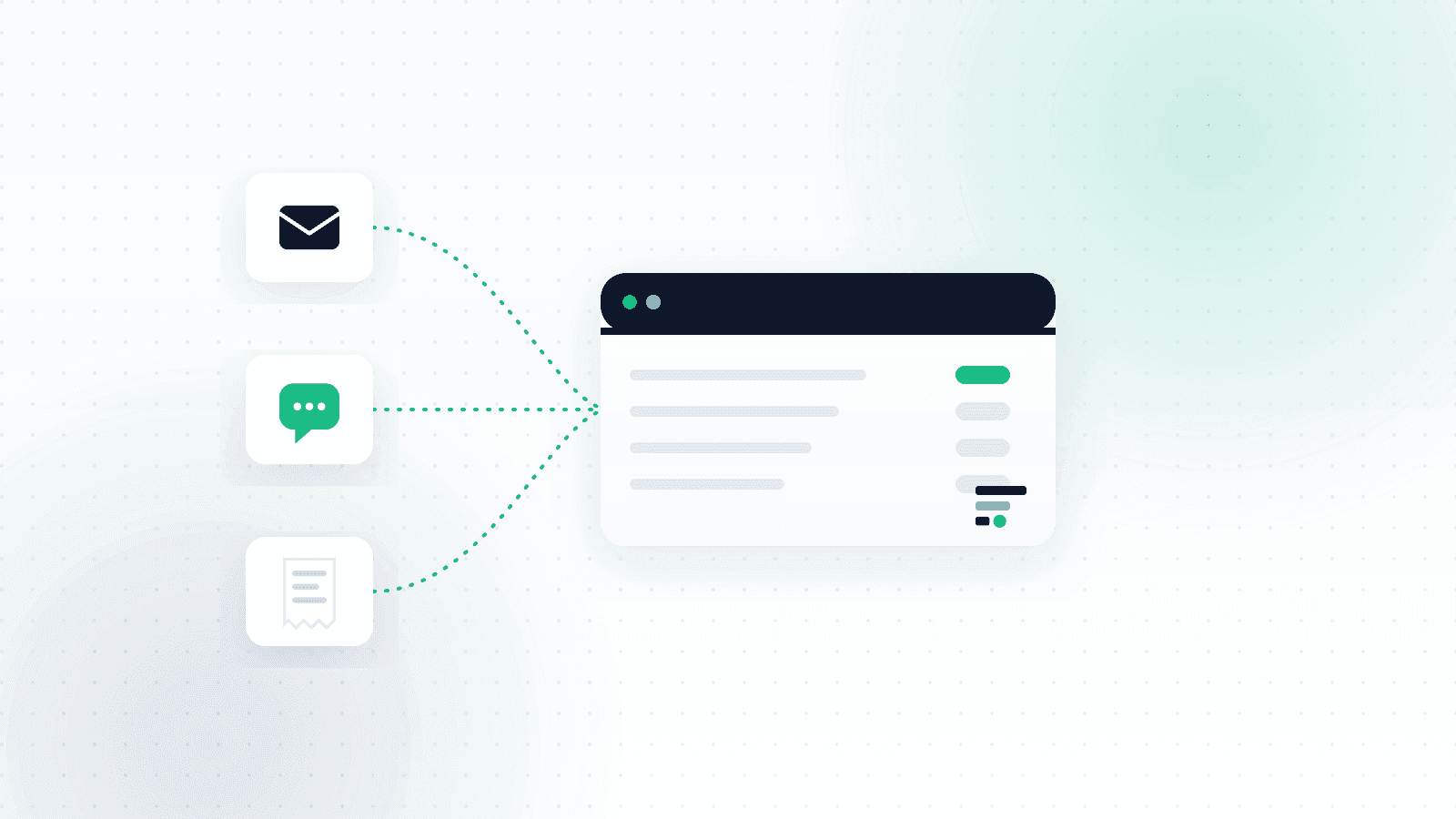
Most business owners in Israel look for their invoices in the wrong place. They are not really sitting in your inbox. They are sitting in WhatsApp, in your phone's photo gallery, and in an SMS with a link that the shop sent three minutes after you walked out.
This is not a small technical detail. It is the difference between a business that hands its accountant a tidy folder at the end of the quarter, and a business that spends two hours on a Saturday night scrolling back through chats looking for an invoice from September.
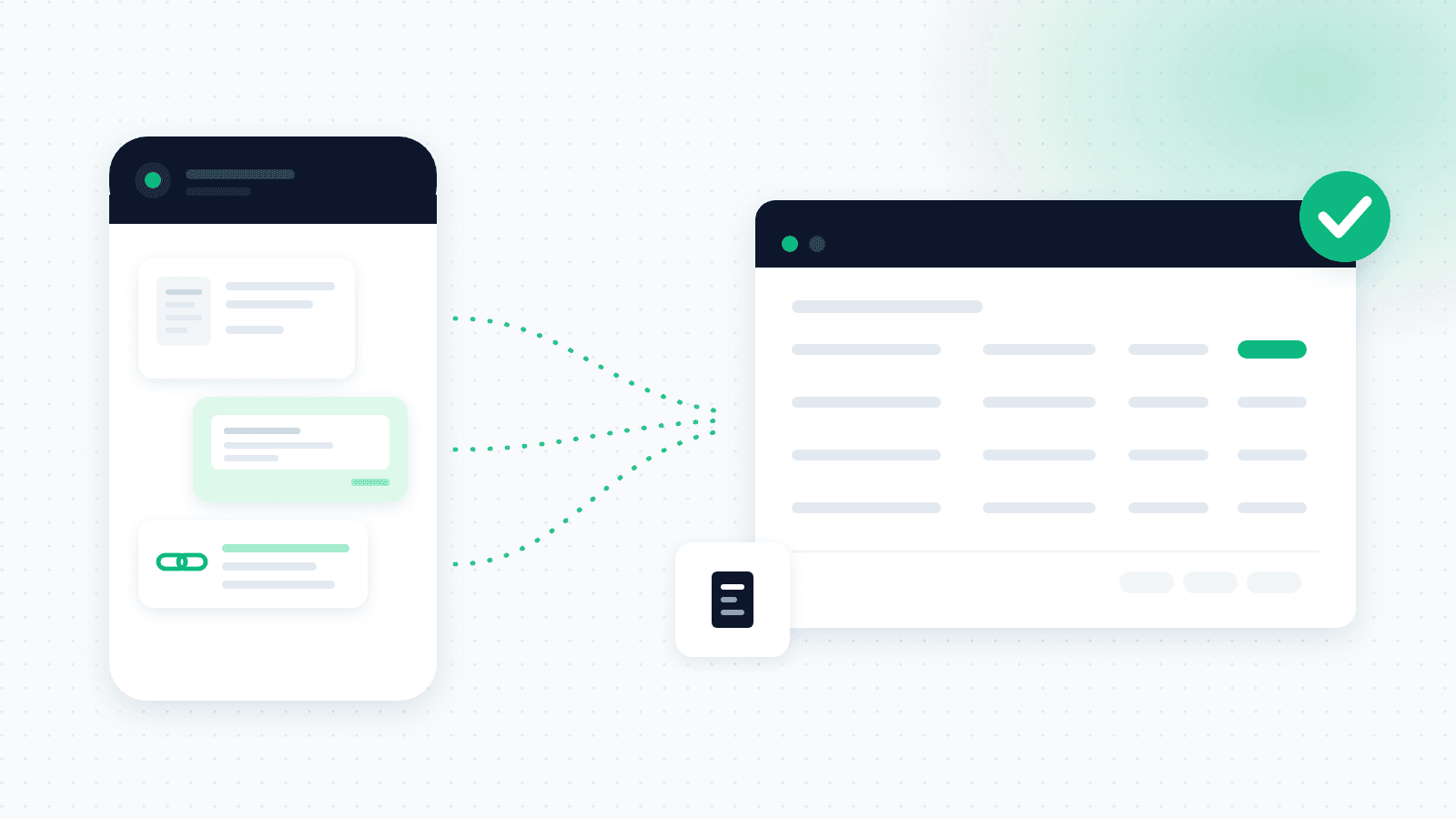
Collecting invoices on WhatsApp means an invoice that arrived in a chat is captured automatically into your expense system, with the amount, supplier and date already extracted, without downloading a file and without uploading it anywhere by hand.
Why your invoices are not in your inbox
The first generation of invoice-collection tools was built on a single assumption: the document arrives by email, as an attached PDF. Elsewhere in the world that assumption mostly holds. In Israel it only half holds.
Think about your day. Fuel at the station, coffee with a client, the contractor who finished an installation and sent a photo of the invoice straight to the chat, the municipality that sent an SMS with a link, the shop that offered "want me to send you the invoice on WhatsApp?" and the natural answer was yes. Some of that reaches your inbox. A lot of it never will.
This is not a hunch. In an analysis we ran on Israeli search data (August 2026), we found more than a hundred Israeli companies that people specifically search for a WhatsApp support number for, from mobile carriers and banks to retail chains. WhatsApp is already the channel where Israelis handle with businesses what they once handled by phone or email. There is no reason to assume invoices would behave differently.
What actually happens is that the business runs two piles in parallel: the one the system can see, and the one only you know exists. The second is the one that gets forgotten, and it is also the one that costs money, because every invoice not found in time is VAT never reclaimed and an expense never recorded. If you are still building the process from scratch, start with the broader guide to business expense management and then come back here.
The moment it clicks: buy, photograph, done
The thing that changes daily life most is almost comically simple. You buy something for the business, and before you have even left the shop you photograph the invoice and send it to the OptiPay chat on WhatsApp. No app to open, no remembering in the evening, no saving to the gallery hoping to deal with it later.
It sounds small, and it is still the part people mention most. The reason is not the technology, it is the habit. WhatsApp is already where you are all day. Any solution that asks you to learn a new habit, install another app and remember to open it, loses to the moment where you simply send a photo in a chat that was open anyway.
The genuinely annoying case: an invoice that arrives as a link
There is one kind of invoice that defeats nearly every manual system, and some automated ones too: the invoice that is not a file but a link.
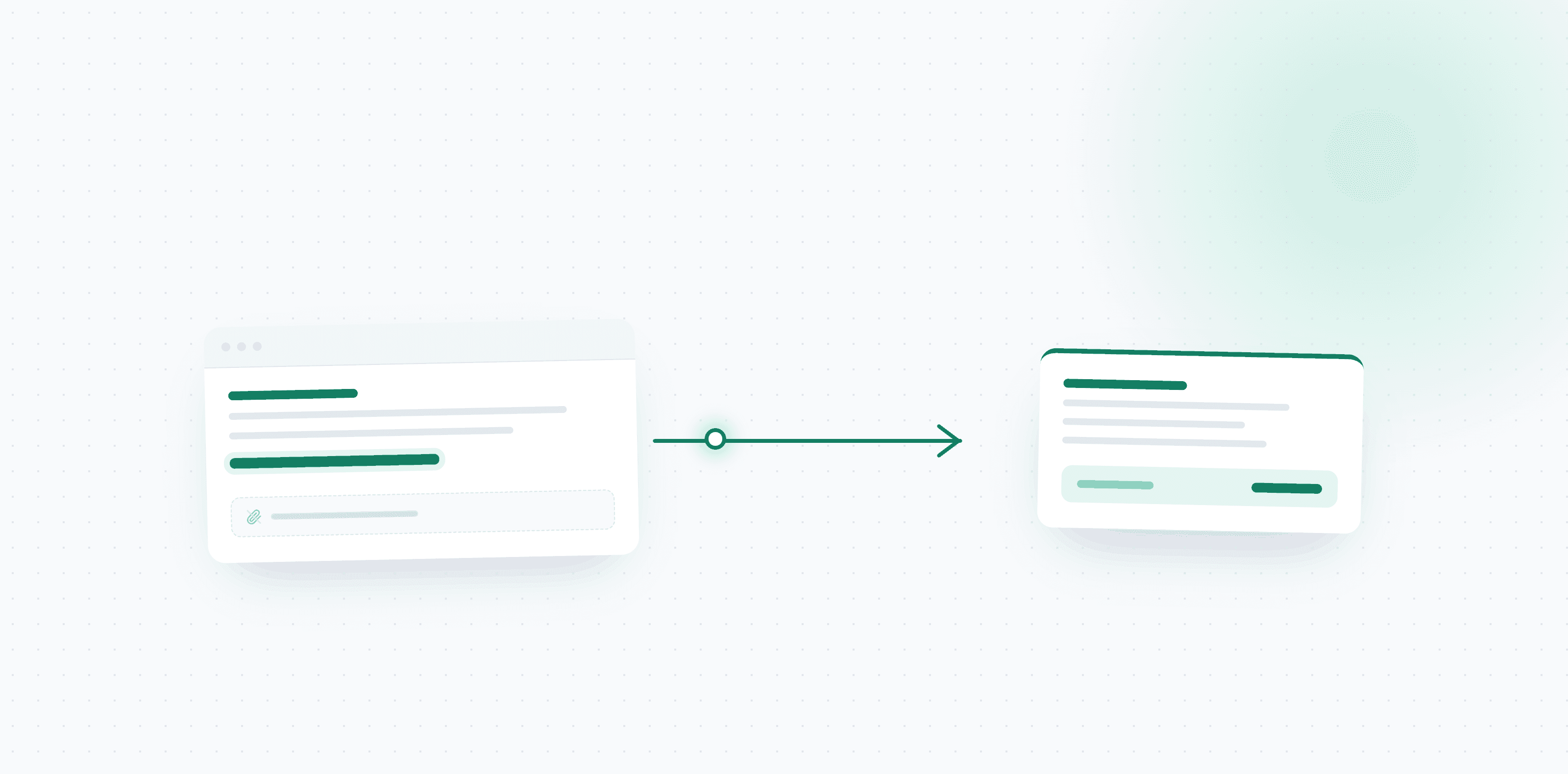
This is extremely common in Israel. You get an SMS or a message with a short sentence and a link, "your invoice is ready, click here". Behind the link sits a web page, and sometimes you have to click again there to reach the PDF. Filing that by hand means opening the link, downloading the file to your device, finding it in Downloads, then uploading it to your system. In practice, most people simply do not.
With OptiPay you can forward the message itself, link and all, and the system opens the link, locates the document behind it and extracts the data. You download nothing and upload nothing. Copy the message from the SMS, send it to the chat, done.
This is one of the features we are proudest of, because it came straight out of that frustration rather than out of a feature list.
Where the invoice arrives and what happens to it
| Where it arrives | What usually happens | What should happen |
|---|---|---|
| WhatsApp from a supplier or shop | Stays in the chat, found only if you remember to search | Sent to the system chat and filed immediately |
| A photo you took in the shop | Sits in the gallery between personal photos | Photographed and sent in the same moment |
| SMS with a link | Almost never handled | The message is forwarded as is, the system opens the link |
| Email with an attached PDF | Found, if you search correctly | Collected automatically from Gmail or Outlook |
| Email with a link only | Falls through the cracks | The link is detected and the document retrieved |
What we hear from users
Of everything we have built, this is the feature that produces the strongest reaction, and not because it is the most sophisticated. Precisely because it removes a step people hated.
Two comments come up in almost every conversation. The first is the relief of not searching: once the invoice is sent in real time, the evening spent reconstructing expenses simply never arrives. The second is about links, and it usually comes with surprise, because people assume a link is something you have to open and download yourself, and discover they can just forward the message as it is.
How to start, step by step
- Connect your phone number once, in account settings.
- Send one invoice to the chat to confirm the connection works.
- Connect your Gmail or Outlook inbox in parallel, to capture what arrives by email.
- From here it is a single habit: every invoice that arrives, in any channel, gets sent to the chat in that moment.
One habit beats a complicated system. If the process asks you to remember three different things, it will not survive its second month.
What to do with the pile already sitting in the chat
Most businesses have history: months of invoices already sent on WhatsApp and never filed. There is no need to handle all of it in one day.
The practical approach is to start from today forward, to stop the bleeding, and only then work backwards. When you do go back, go supplier by supplier rather than by date: open the chat with a regular supplier, scan the messages and forward what matters. Searching by supplier is almost always faster than scrolling chronologically.
What about the invoices that do arrive by email
WhatsApp is the missing piece, not the only piece. A large share of a business's fixed costs, servers, software, larger suppliers, still arrives by email, and that needs a different answer: an inbox connection rather than manual forwarding.
Connecting Gmail or Outlook scans the inbox, identifies which messages contain an invoice, and pulls both the attachments and the documents hiding behind links. We covered that side in the guide to invoice scanning and automatic collection from email, and the full picture in automating expense tracking.
The combination is what closes the gap: email catches the fixed and recurring, WhatsApp catches the spontaneous and whatever happens in the field.
A business with suppliers: same idea, different scale
For a freelancer this is mostly about your own invoices. In a business with suppliers the picture changes, because the person sending the invoice is not you.
Suppliers in Israel send on WhatsApp. That is not an anomaly, it is the default. The contractor who did the renovation, the movers, the garage, the service provider who finished a job, all of them will send a photo of the invoice to the chat because it is fastest for them. If your process assumes a supplier invoice arrives by email as a PDF, you are running a process that does not match how the market actually works.
The practical answer is not to fight it but to adopt it: forward the supplier's message to the system chat the moment it lands, and let data extraction do the rest. In a business where several people receive supplier invoices, agree in advance who forwards what, otherwise the same invoice arrives twice or never arrives at all.
It is worth noting that the other side of the equation is moving too. More and more suppliers work through WhatsApp Business, which sends from the company's official number rather than the personal mobile of whoever did the job. For you that is good news: invoices arrive from one consistent, identified channel instead of ten rotating numbers, and it is easier to confirm you have not missed a supplier.
Four mistakes that keep repeating
Saving to the gallery to deal with later. The gallery is not an archive. A photo of an invoice saved between personal pictures will disappear within two days of shooting.
Relying on WhatsApp search. Search works on text, and your invoice is usually an image or a PDF. Anything sent as an image is nearly impossible to find by amount or supplier name.
Leaving links for later. Invoice links tend to expire. What you do not open this month may simply not be there a quarter from now.
Waiting for the end of the quarter. This is the expensive one, because it turns a three second daily task into a two hour quarterly one, and along the way you lose exactly what you cannot remember.
What it saves at quarter end
At the end of the quarter the difference does not feel like saved time. It feels like quiet.
Instead of reconstructing two months backwards, opening chats, digging through the gallery and trying to recall what the expense from 14 June was, everything collected is already in one place, categorized, with amount, supplier and date. From there, handing it to your accountant is a single export rather than a project. We wrote separately about exactly what your accountant needs and in what format, and about managing invoices and reclaiming VAT as a freelancer.
The effect compounds. A business that collects invoices as it goes reaches year end with no open pile, and then the year-end closing checklist becomes a short review rather than an archaeological dig.
FAQ
How do I send an invoice to the system on WhatsApp?
Connect your phone number once, and from that moment every photo, file or message sent to the chat is captured automatically. There is no separate app to open and no need to save the file first.
What happens with an invoice that arrived as a link rather than a file?
Send the message itself, including the link. The system opens the link, locates the document behind it and extracts the details, without you downloading or uploading anything.
Does this replace connecting my email?
No, it complements it. Connecting Gmail or Outlook collects the fixed and recurring invoices, while WhatsApp catches what arrives in the field and spontaneously. Together they cover almost all of a business's expenses.
What about a printed invoice from a shop?
Photograph it and send it to the chat in that moment. This is exactly the case where handling it immediately saves the later search, because a printed invoice has no digital copy to go back to.
Is the data extracted automatically or do I have to type it?
It is extracted automatically: amount, supplier, date and category. You only confirm or correct where needed, rather than typing from scratch.
Can I forward invoices a supplier sent to the business chat?
Yes. Forward the supplier's message to the system chat, exactly like any other message. It works both for a photo the supplier sent and for a file.
What if I accidentally send the same invoice twice?
The system detects duplicates and flags them, so the same expense is not counted twice in the report that reaches your accountant.
Do I need WhatsApp Business for this?
No. It works with regular WhatsApp, both yours and your suppliers'. If a supplier sends from WhatsApp Business that is simply more convenient, because invoices always arrive from the same identified number, but it is not a requirement.
In short
Nobody loses invoices because they are careless. They lose them because invoices arrive in three different places and only one of them is email. As long as your process assumes an invoice is a PDF waiting in an inbox, part of your expenses will always fail to reach the report.
Three things change the picture, and all of them are small: send the invoice to the chat the moment it is in your hand rather than in the evening, forward messages with links too without opening or downloading anything, and connect your email in parallel so the recurring costs are captured on their own. That is one habit, not a new system to learn.
And the nicest part is what stops happening: no more evening spent scrolling back through chats before the meeting with your accountant, and no more discovering a four month old invoice that is now too late to reclaim VAT on.
Want your invoices collected on their own, from WhatsApp and from email? Get started with OptiPay, take a look at plans and pricing, or continue to the guide on automating expense tracking.